Run Instance Failover
Failover switches a protected application from the source cluster to the target cluster. The operator creates and executes a DisasterOperation.
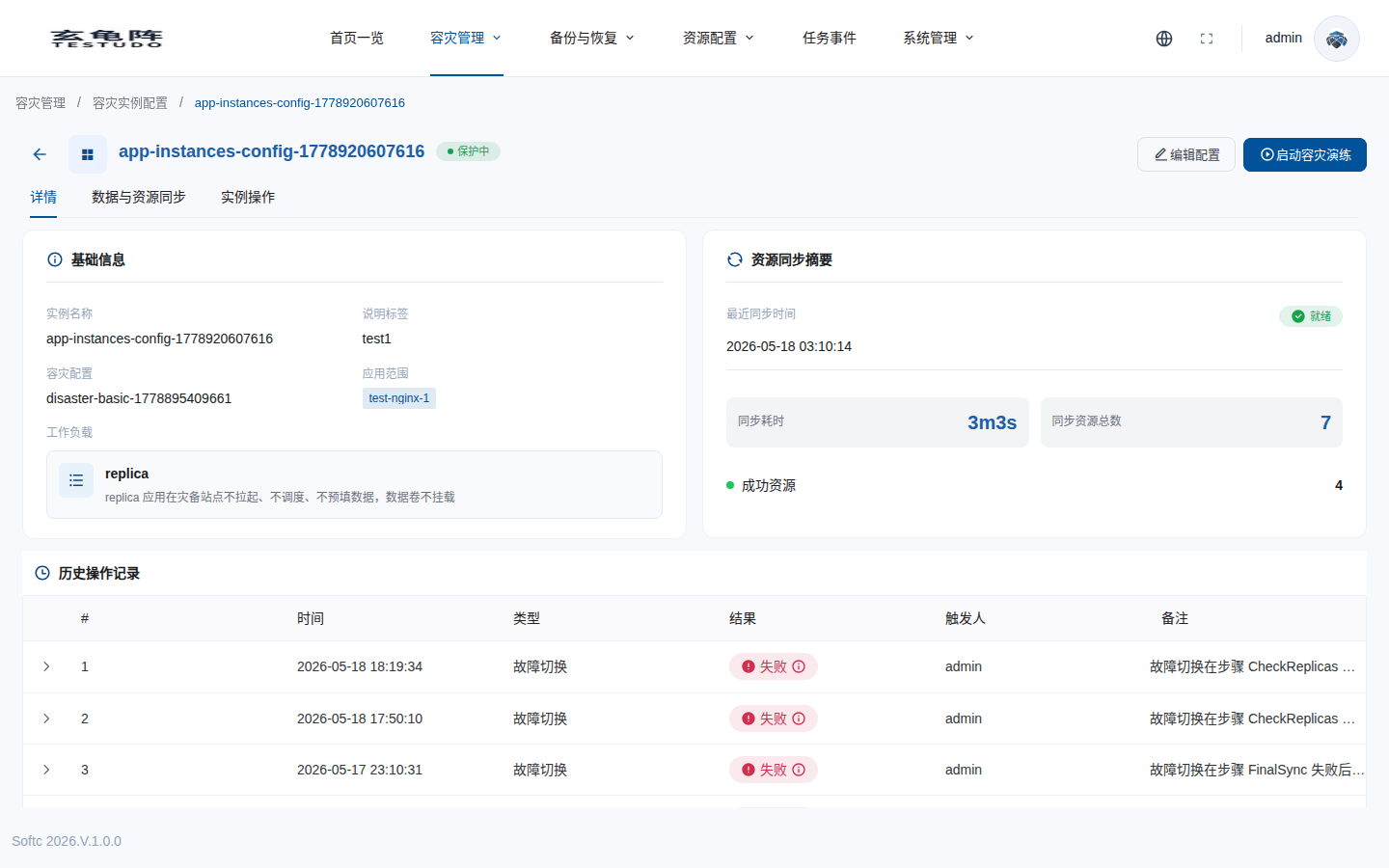
This page uses the real instance docs-walkthrough-20260511. The first failover attempt included final sync and timed out at the UI's fixed 3-minute action timeout; the operator auto-compensated and restored the instance to Protected. A second quick failover skipped final sync and completed, moving the instance to Active. A final reprotect returned the instance to Protected in the new direction.
Pre-checks
- Instance state is
Protected. - Latest DataSync and ResourceSync succeeded.
- Target standby resources exist.
- Target dependencies, images, secrets, and networking are ready.
- Traffic switching window is approved.
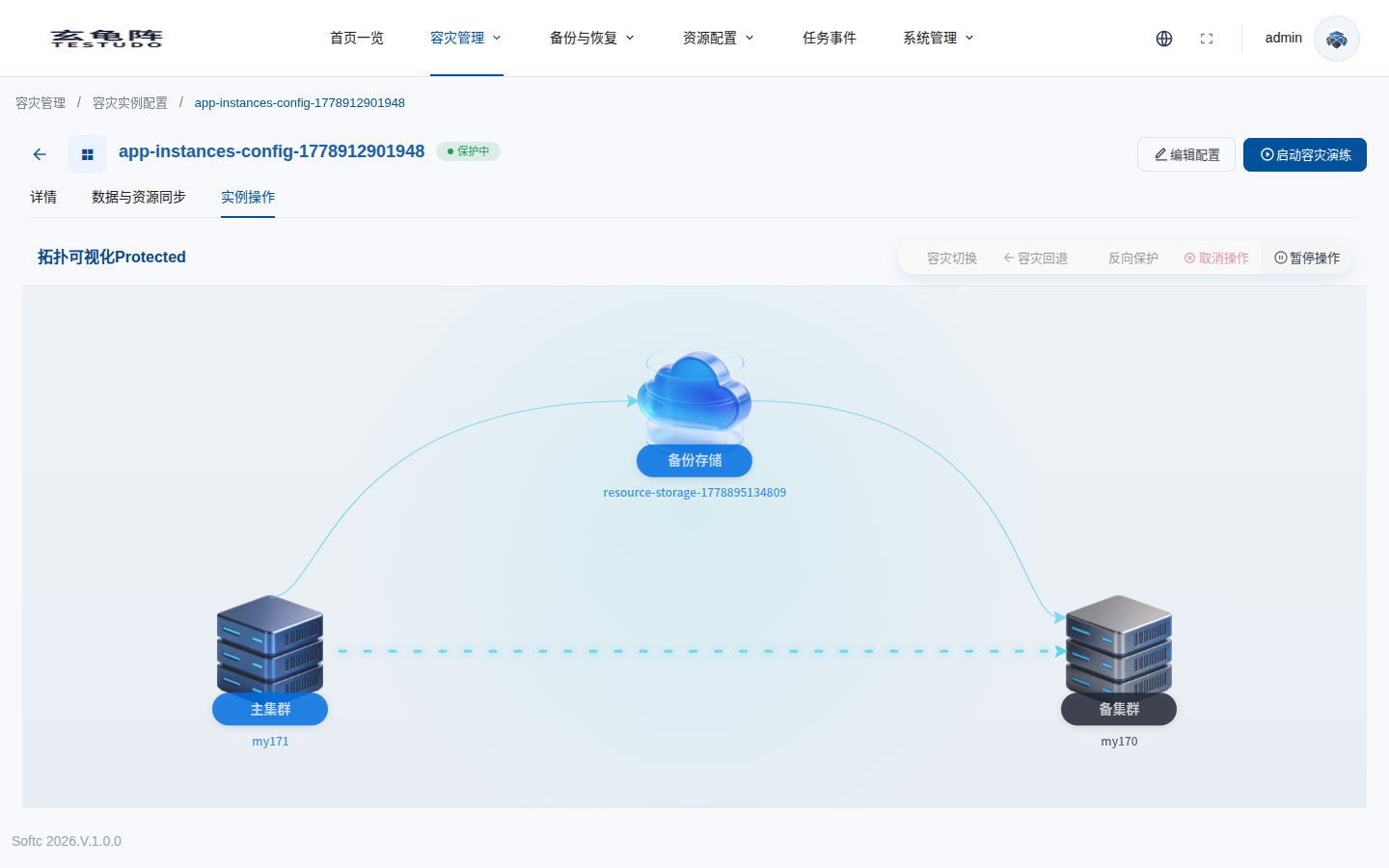
Open the Instance Operation tab on the instance detail page. The topology shows the current primary cluster, secondary cluster, and backup repository.
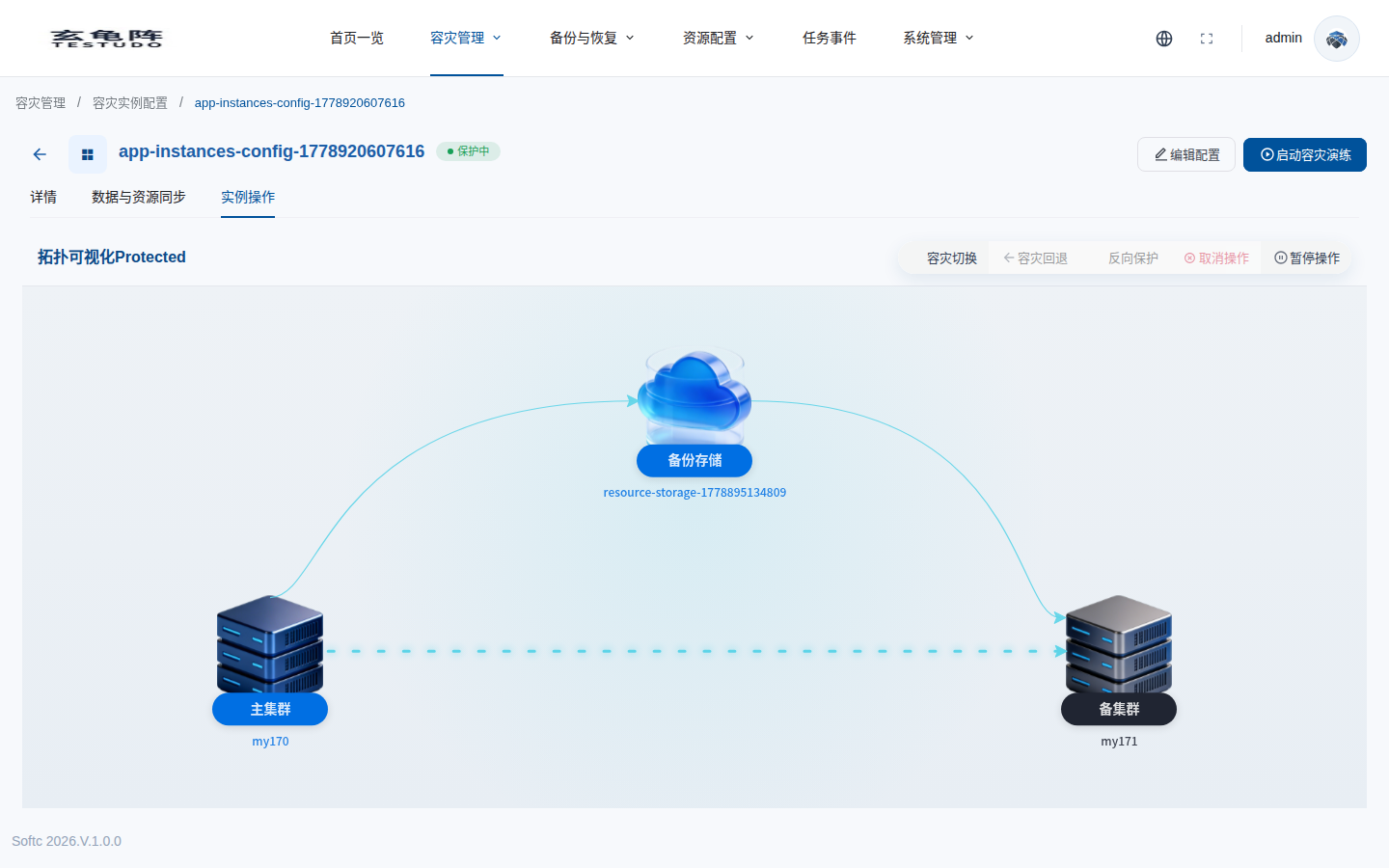
Controls:
- DR failover creates
operationType=failover. - Failback is available after the instance becomes
Active. - Reverse protection creates
operationType=reprotect. - Pause/Start pauses or resumes DataSync and ResourceSync.
Steps
The operation steps come from DisasterOperation.status.steps:
PreCheckPauseSchedulesFinalSyncScaleDownSourceScaleUpTargetCheckReplicasSwitchRoles
Confirm Parameters
Click DR failover to open the confirmation popover.
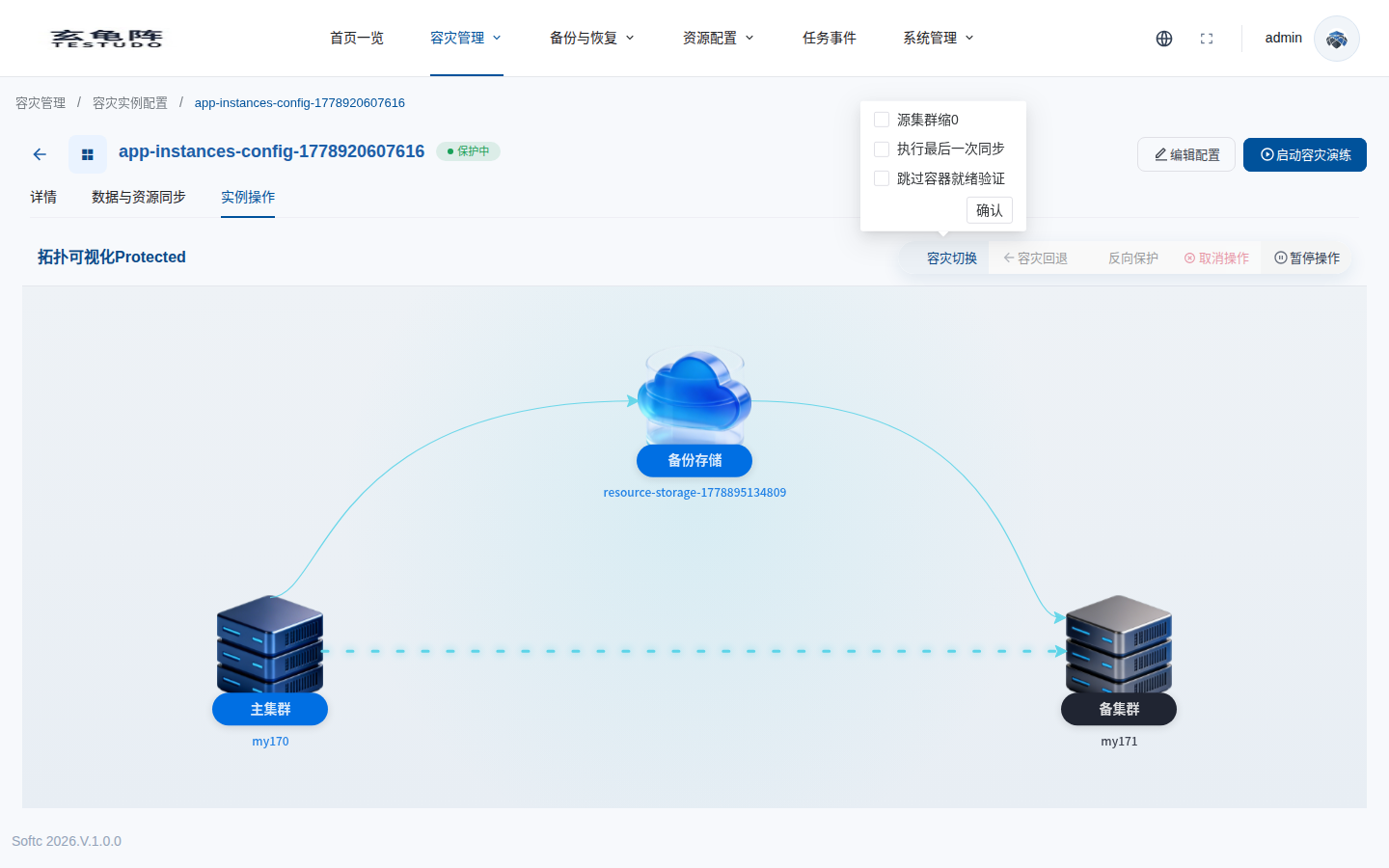
| UI option | API field | Meaning |
|---|---|---|
| Scale down source cluster to 0 | config.skipScaleDownSource | Checked sends false, so source scale-down runs. Unchecked sends true, so source scale-down is skipped. |
| Run the final sync | config.skipFinalSync | Checked sends false, so final sync runs. Unchecked sends true, so final sync is skipped. |
| Skip pod readiness validation | config.skipPodReadyCheck | The current frontend also inverts this checkbox. Check the created DisasterOperation.spec.skipPodReadyCheck for the effective value. |
The flow was confirmed in the frontend operation component, the server action handler, and the operator failover controller.
Submit Failover
The first attempt selected source scale-down and final sync.
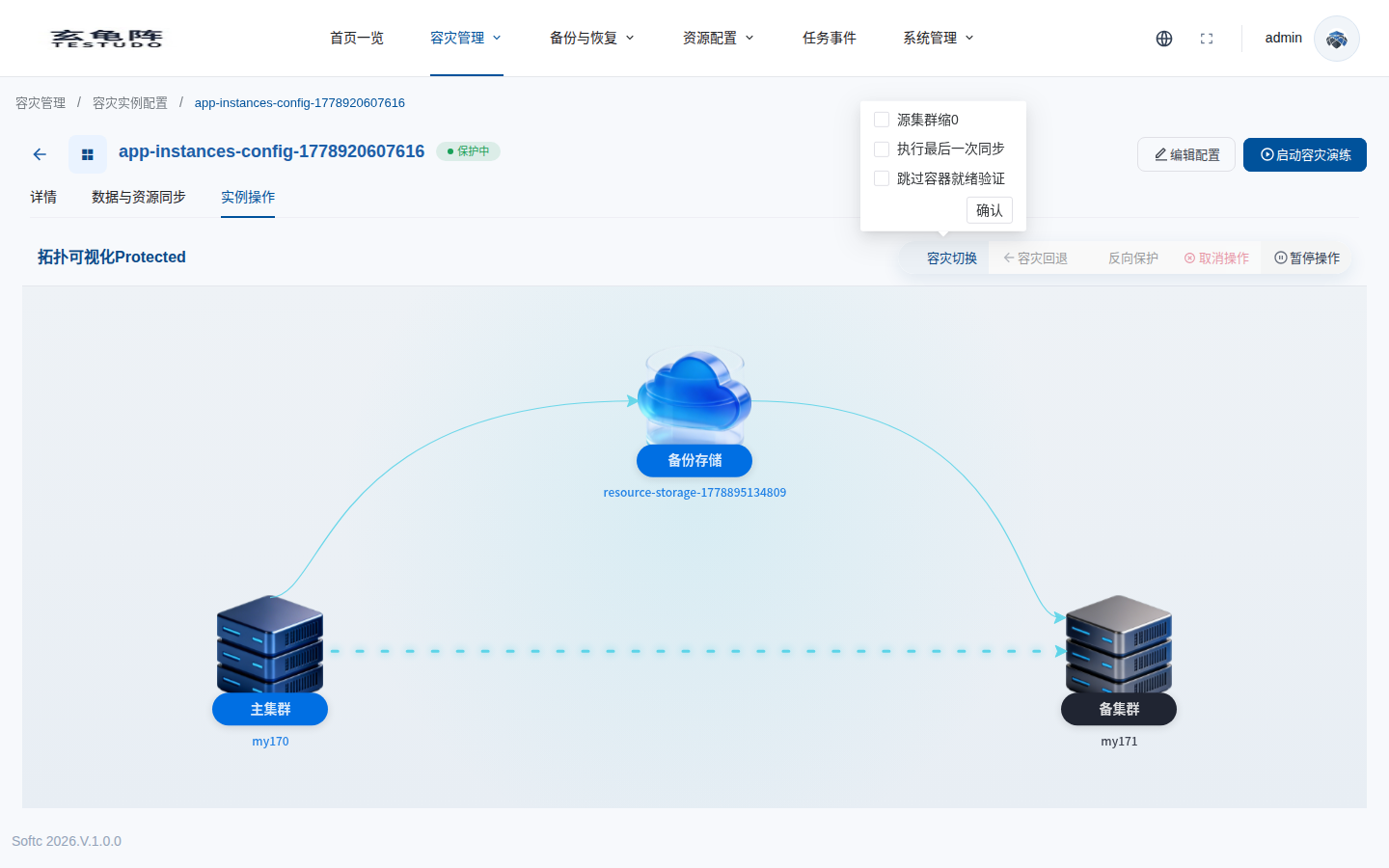
After submit, the instance entered failover-in-progress state and operation buttons were disabled.
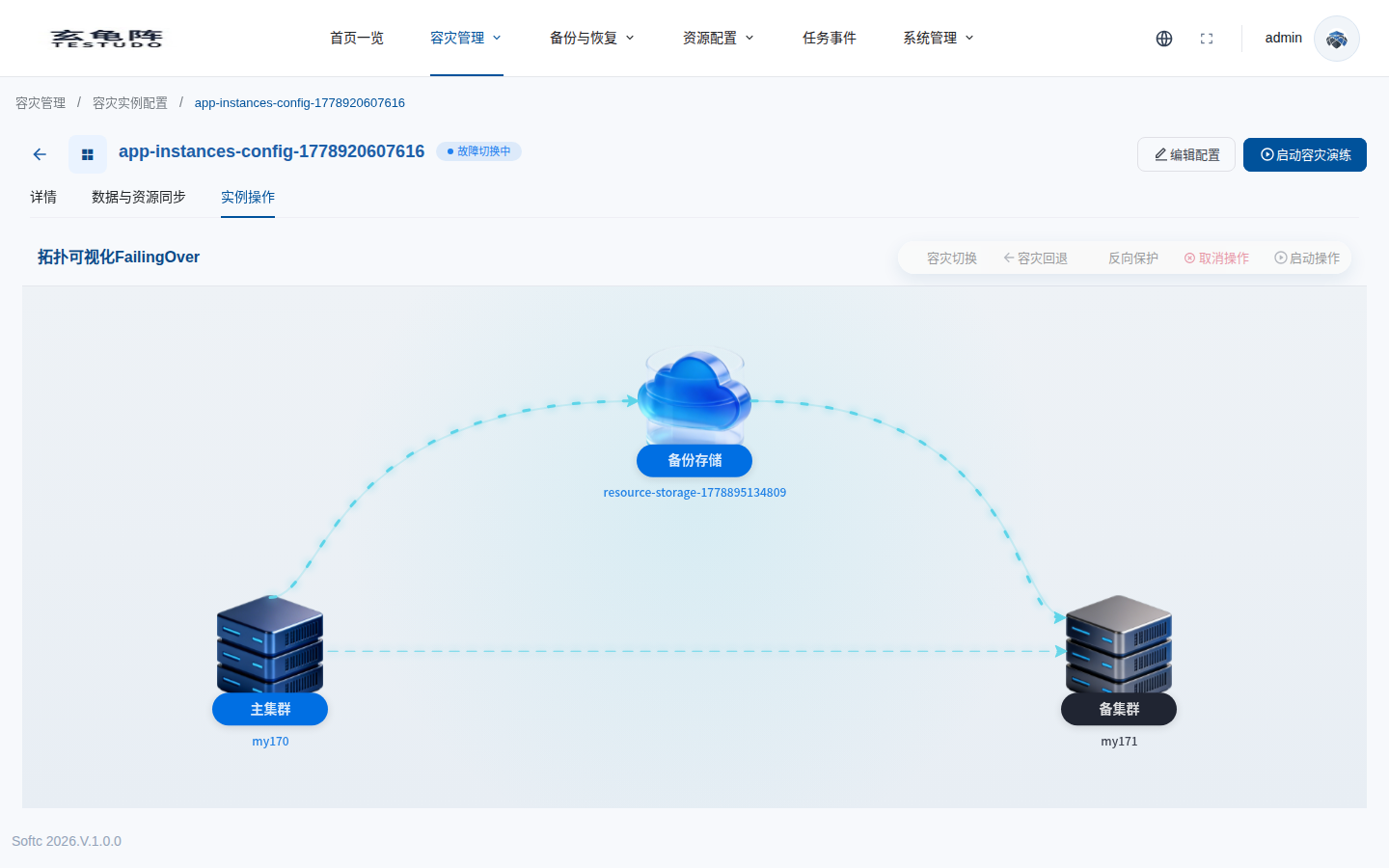
API
POST /apis/disasterinstances.testudo.softcdata.com/v1/instances/:name/actions
{
  "operation": "failover",
  "config": {
    "timeoutMinutes": 3,
    "skipScaleDownSource": false,
    "skipFinalSync": false,
    "skipPodReadyCheck": true
  }
}
The response is asynchronous. Use the returned operation name to inspect progress:
GET /apis/disasterinstances.testudo.softcdata.com/v1/instances/:name/operations/:operationName
Timeout Compensation
The final sync attempt exceeded the 3-minute timeout. The operator marked the operation failed and auto-compensated the instance back to Protected.
For the complete compensation decision logic, see Failover Auto-Compensation.
{
  "state": "Failed",
  "reason": "StepFailed",
  "currentStep": "FinalSync",
  "message": "Failover was auto-compensated after FinalSync failed and the instance returned to Protected",
  "autoCancel": {
    "triggered": true,
    "status": "Succeeded",
    "triggerStep": "FinalSync"
  }
}
For production failover, tune the action timeout to fit real data volume or explicitly skip final sync when the runbook allows using the last successful sync point.
Successful Quick Failover
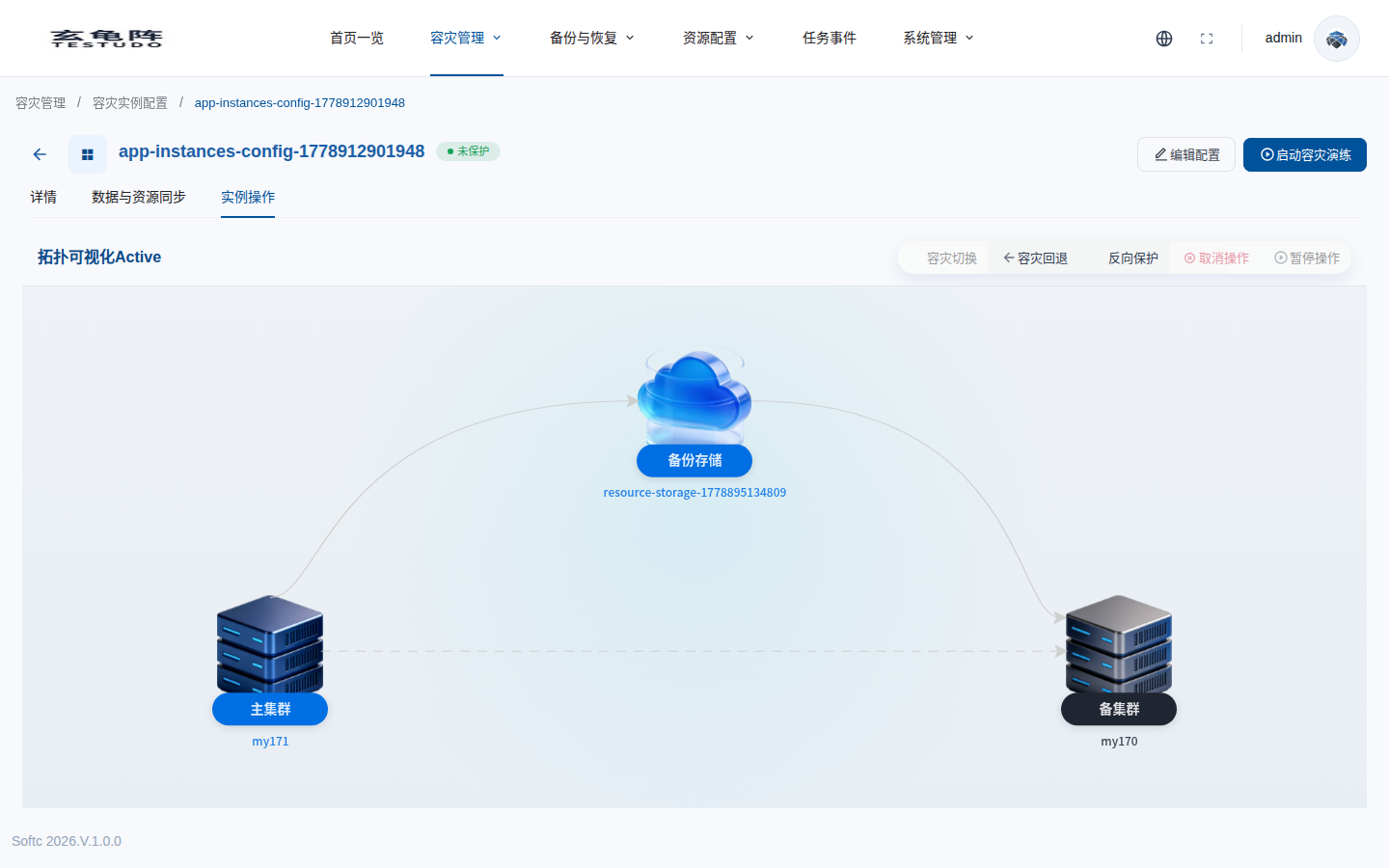
The second attempt left source scale-down and final sync unchecked, so the request skipped them. The operation completed and the instance became Active. In the current UI this state is shown as unprotected.
{
  "fsmState": "Active",
  "primaryCluster": "cluster-ip171-1774332463",
  "secondaryCluster": "ip170-test-001",
  "availableOperations": ["reprotect", "undo"]
}
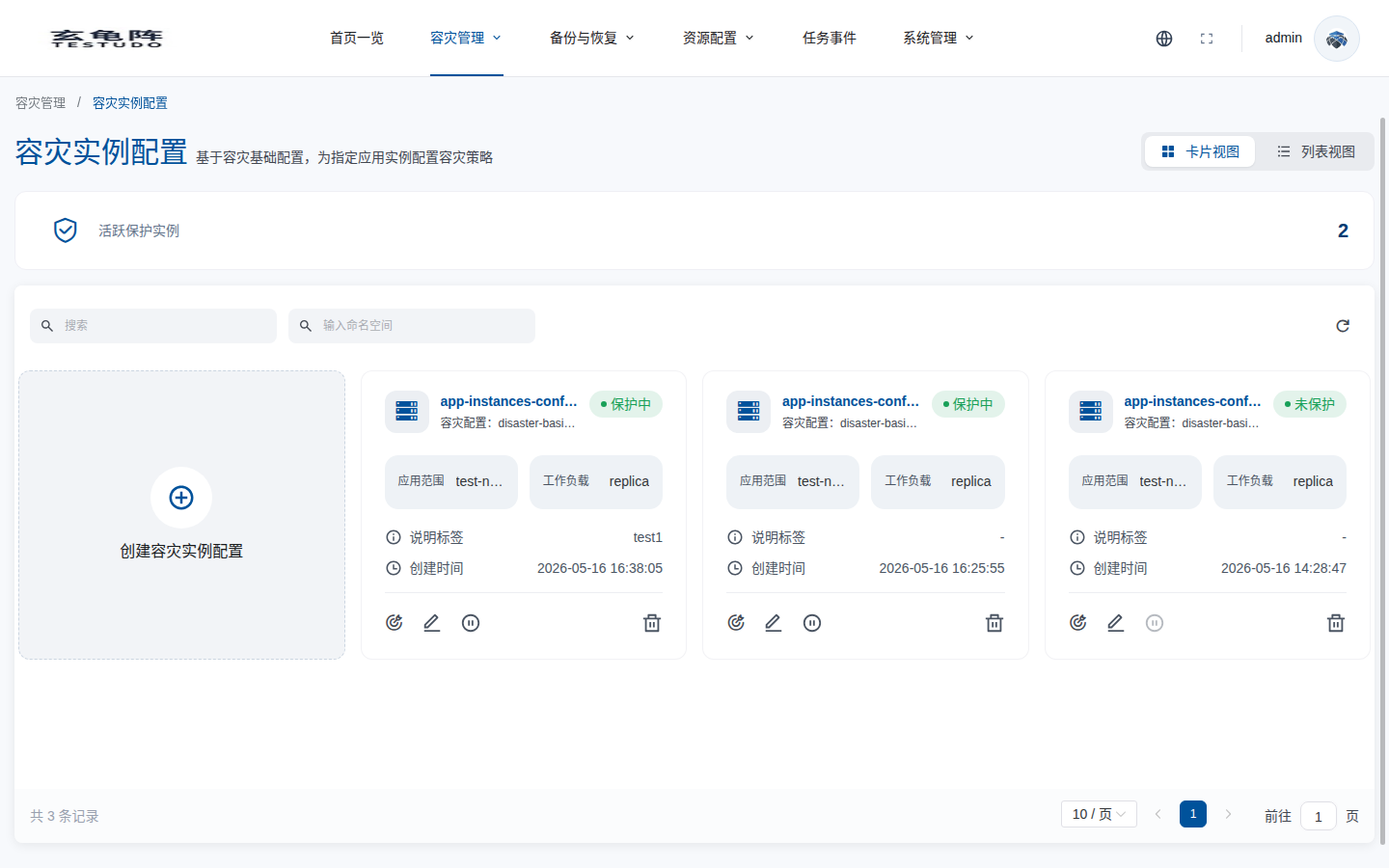
The list page also shows the instance as unprotected.
Verify
kubectl -n disaster-system get disasteroperation -l testudo.softcdata.com/instance=docs-walkthrough-20260511
kubectl --context <target-cluster> -n dr-pvc-src-170 get deploy,sts,pod,svc,pvc
kubectl --context <source-cluster> -n dr-pvc-src-170 get deploy,sts
Testudo does not replace DNS or global traffic routing. Switch external traffic according to your runbook.
Reprotect
After successful failover, use Reverse protection to establish protection in the new direction.
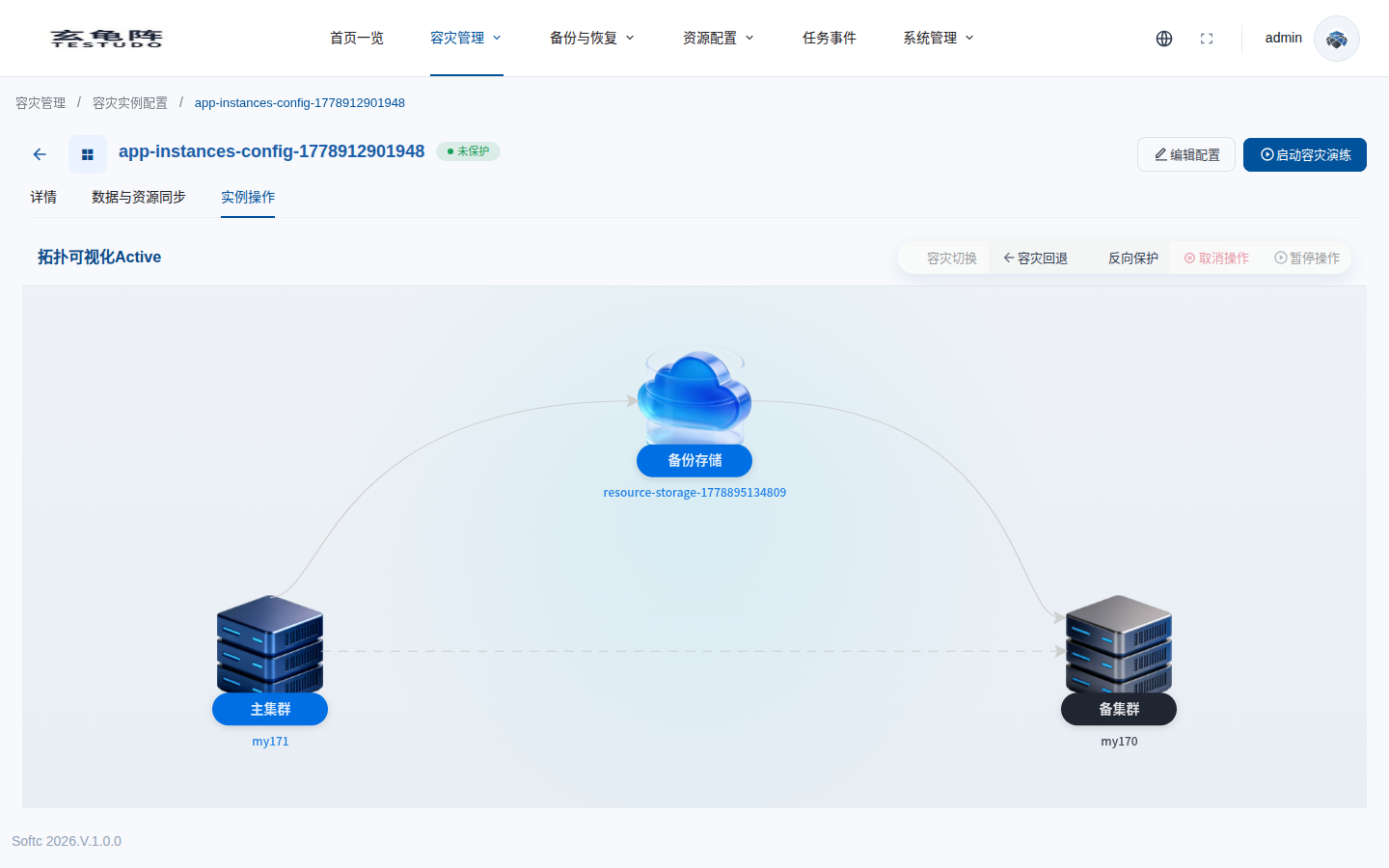
After reprotect, the instance returns to Protected, with the target cluster now acting as primary:
{
  "fsmState": "Protected",
  "primaryCluster": "cluster-ip171-1774332463",
  "secondaryCluster": "ip170-test-001"
}
The history table keeps the completed failover, failed compensated failover, and reprotect operation for audit.