Register Clusters
A Cluster resource represents a Kubernetes cluster managed by Testudo. It can be a source cluster, a target cluster, or both in different protection relationships.
Registration Methods
The platform supports kubeconfig and token-plus-endpoint credential styles. The operator must be able to:
- Access the Kubernetes API.
- Create and read Velero resources.
- List namespaces, workloads, PVCs, and StorageClasses.
- Write resources needed during restore.
In the console, go to Resource Configuration / Cluster Configuration Management.
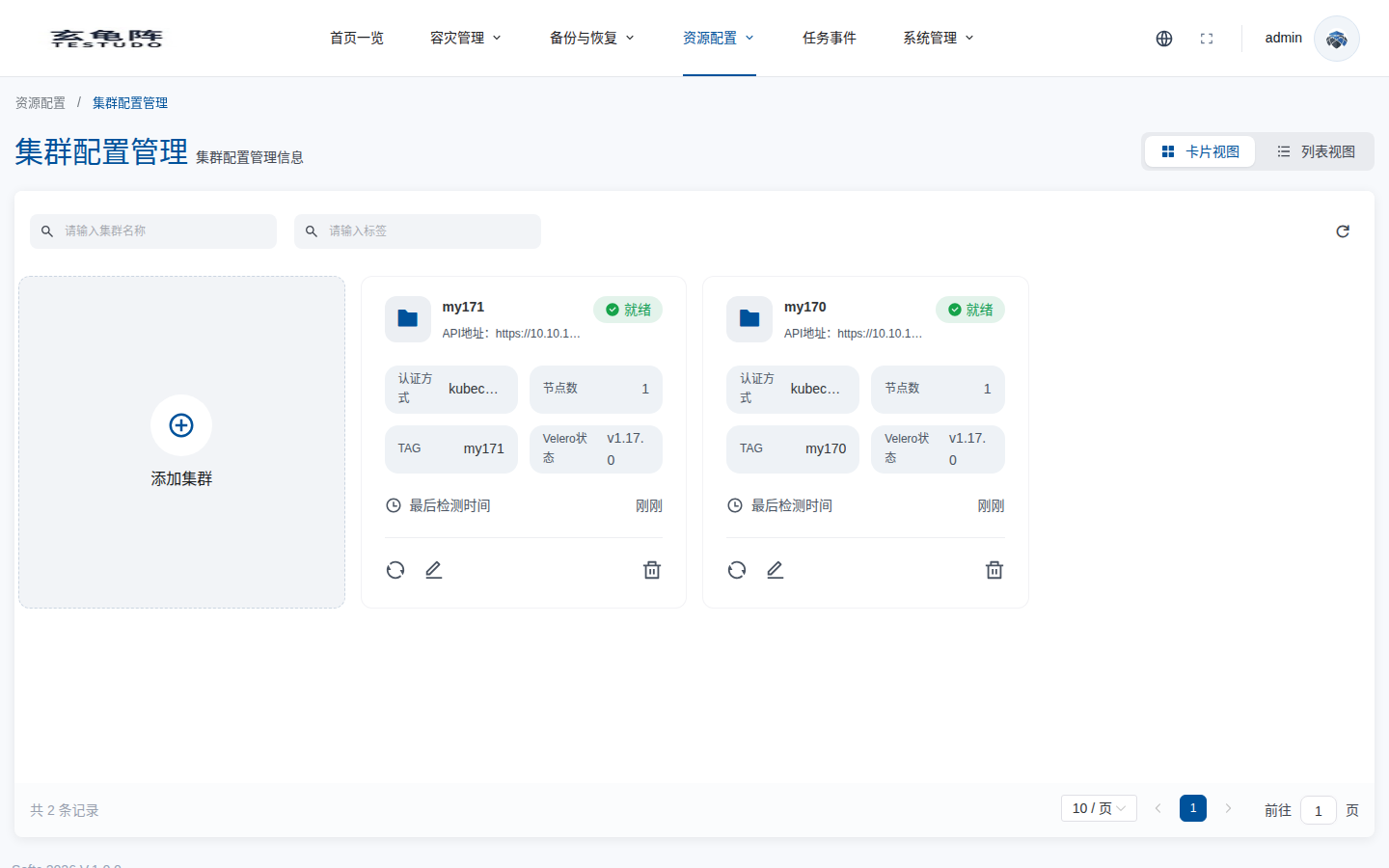
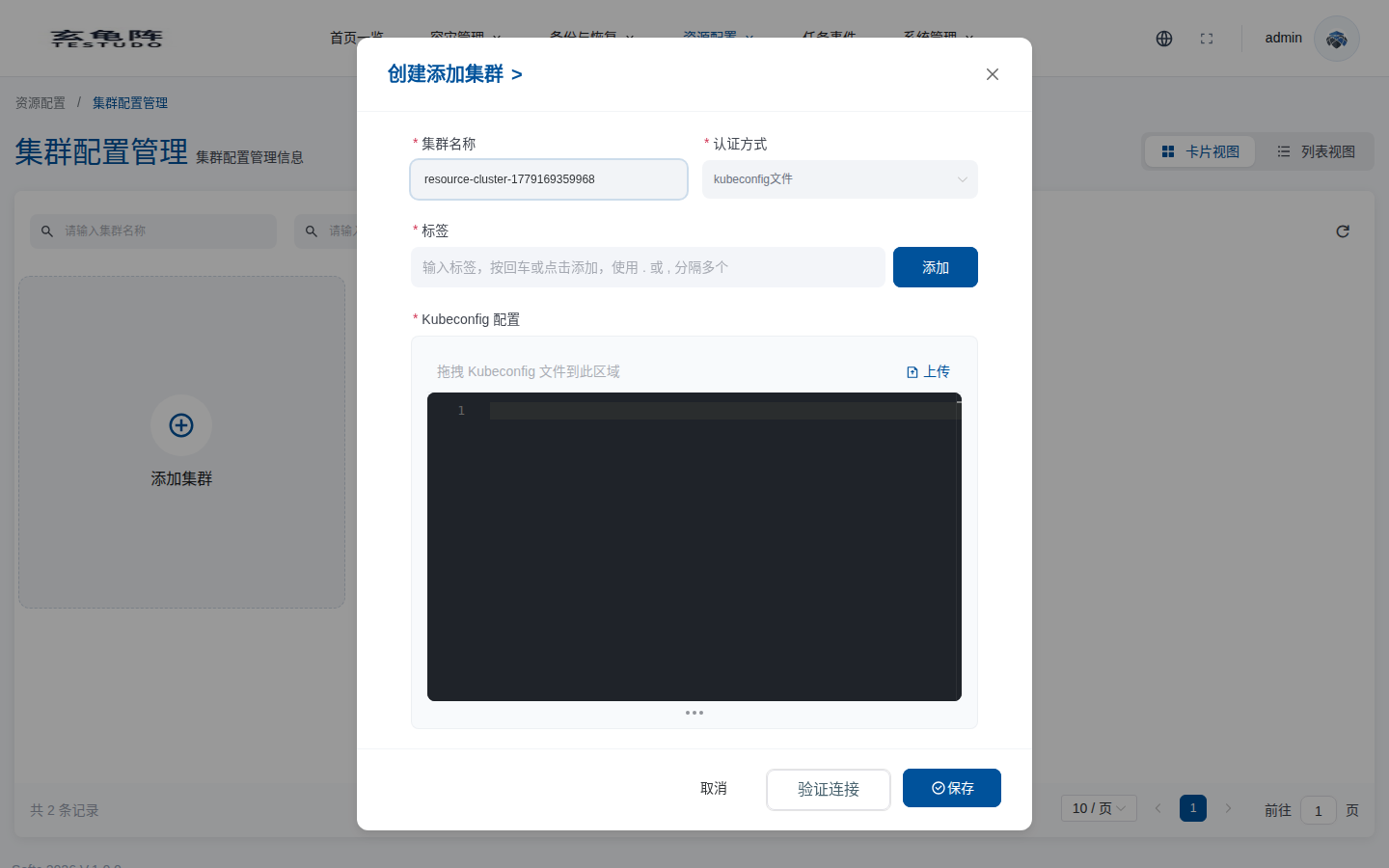
Click Add Cluster, fill in the name, authentication method, labels, and kubeconfig, then validate the connection before saving.
Server APIs
GET /apis/cluster.testudo.softcdata.com/v1/clustersPOST /apis/cluster.testudo.softcdata.com/v1/clustersGET /apis/cluster.testudo.softcdata.com/v1/clusters/:name/validatePOST /apis/cluster.testudo.softcdata.com/v1/clusters/kubeconfig/validateGET /apis/cluster.testudo.softcdata.com/v1/watch/clusters
Checks
- The cluster status is Ready.
- Protected namespaces can be listed.
- Restore classes can be discovered on the target cluster.
- The event stream has no continuous authentication or network errors.