Observe DataSync And Trafficless Restore
DataSync synchronizes PVC data from the source cluster to the target cluster. It usually drives AppBackup and AppRestore, which then drive Velero.
Flow
- DataSync is triggered by policy.
- AppBackup is created on the source side.
- Velero Backup writes data to object storage.
- AppRestore is created on the target side.
- Velero Restore restores PVC data.
- DataSync records backup, restore, and history.
Trafficless Restore prepares data without exposing standby workloads to traffic.
Skip Behavior When No PVC Exists
DataSync protects PVC data only. If the protected source scope contains no recoverable PVCs, the run converges as a successful skip:
- No
AppBackupis created or triggered. - No
AppRestoreis created. - A ready
StorageRepositoryis not required. DataSync.status.historyrecordsSkipped; statistics count it as completed, not failed.
PVC discovery checks both:
- PVCs that directly match the protected namespaces and instance
labelSelector. - PVCs referenced by matched Pods.
If an instance uses a label selector, make sure the selector covers the PVCs that need protection, or at least the Pods that mount those PVCs. Otherwise DataSync treats the scope as having no recoverable PVC and skips the run.
Skip Specific PVCs
To skip individual PVCs during data sync, annotate the PVCs with Velero's backup exclusion annotation:
kubectl -n blueking annotate pvc bk-job-pv-claim-job-local \
  velero.io/exclude-from-backup=true --overwrite

kubectl -n blueking annotate pvc license-pvc-claim \
  velero.io/exclude-from-backup=true --overwrite
If those PVCs are mounted through file-system backup volumes, also exclude the corresponding Pod volume names on the workload Pod template:
kubectl -n blueking patch deploy <workload-name> --type merge -p '{
  "spec": {
    "template": {
      "metadata": {
        "annotations": {
          "backup.velero.io/backup-volumes-excludes": "job-local,license"
        }
      }
    }
  }
}'
backup.velero.io/backup-volumes-excludes uses Pod volume names, not PVC names. Confirm the mapping first:
kubectl -n blueking get pod <pod-name> \
  -o jsonpath='{range .spec.volumes[*]}{.name}{" -> "}{.persistentVolumeClaim.claimName}{"\n"}{end}'
Check Status
kubectl get datasync -l testudo.softcdata.com/instance=<name>
kubectl get datasync <name> -o yaml
kubectl get appbackup,apprestore -l testudo.softcdata.com/datasync=<name>
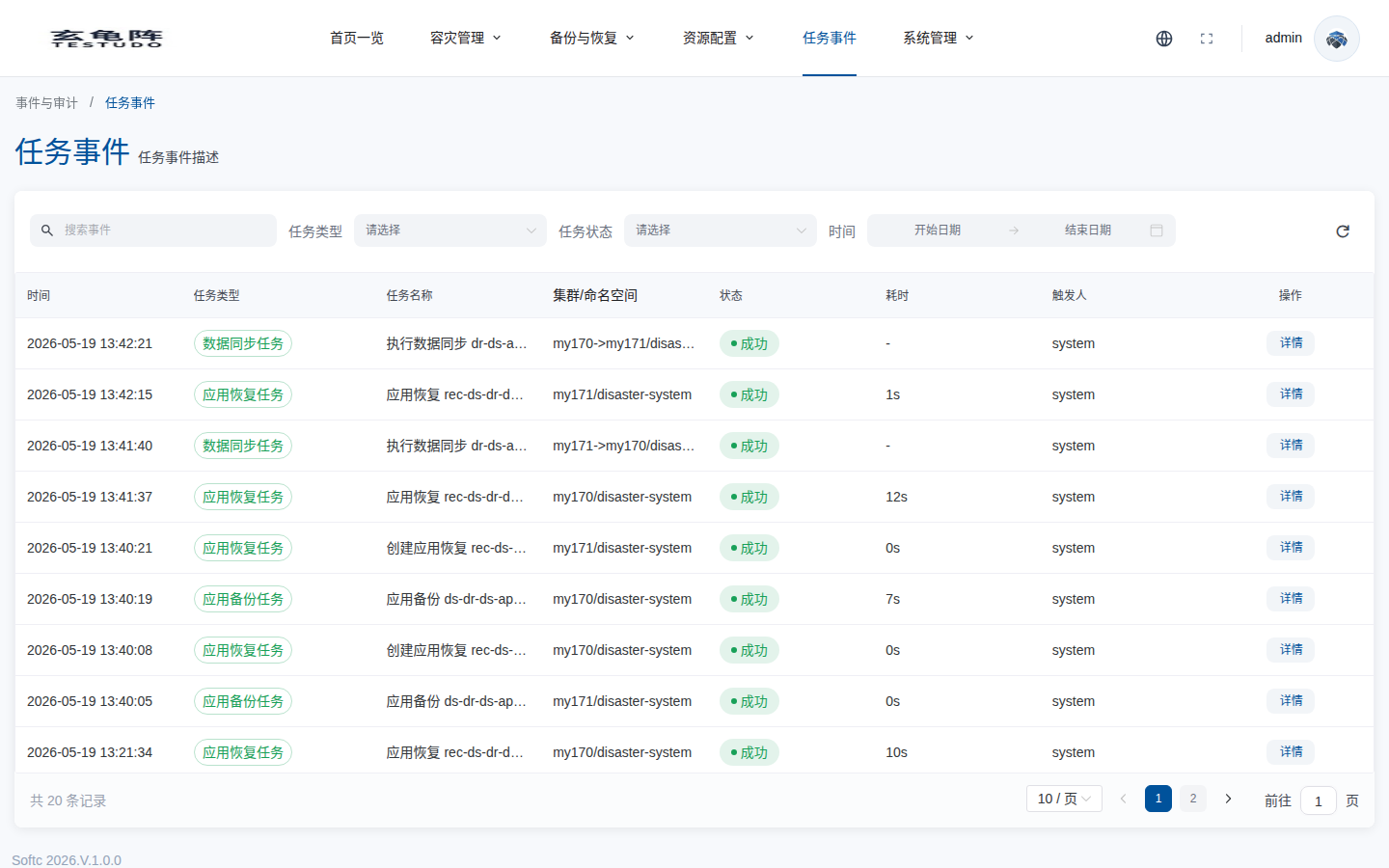
Healthy DataSync means recent sync succeeded, target PVCs are restored, and standby workloads are not serving traffic.