Prepare The Tutorial Environment With Helm
This tutorial prepares the control plane used by the backup, restore, and disaster recovery walkthroughs. Install disaster-operator, disaster-server, and disaster-web into a management cluster or a dedicated management namespace.
Prerequisites
- A Kubernetes management cluster.
kubectlpointing to the management cluster.- Helm v3.
- The
testudo-chartHelm repository, or thetestudo-chart-1.0.0.tgzchart package. - Pull access to the default public Docker Hub images, or preloaded images on the target nodes.
- cert-manager if webhook certificate management is enabled.
One-command Install
helm repo add testudo https://github.com/Softcdata/testudo-chart/releases/download/helm-repo
helm repo update

helm upgrade --install testudo testudo/testudo-chart \
  -n disaster-system \
  --create-namespace
The default install pulls public images from Docker Hub. For faster pulls in China, add the Aliyun ACR public image values file published with the release:
helm upgrade --install testudo testudo/testudo-chart \
  -n disaster-system \
  --create-namespace \
  -f https://github.com/Softcdata/testudo-chart/releases/download/helm-repo/values-aliyun.yaml
The default web service is exposed as NodePort 30087. The server service is ClusterIP on port 30081, and the web backend URL is http://disaster-server:30081.
Custom Namespace
When installing into a custom namespace, set global.namespace as well:
helm upgrade --install testudo ./testudo-chart-1.0.0.tgz \
  -n dr-system \
  --create-namespace \
  --set global.namespace=dr-system
Verify
helm ls -n disaster-system
kubectl get pods,svc -n disaster-system
kubectl api-resources | grep testudo.softcdata.com
For local access:
kubectl -n disaster-system port-forward svc/disaster-web 8087:80
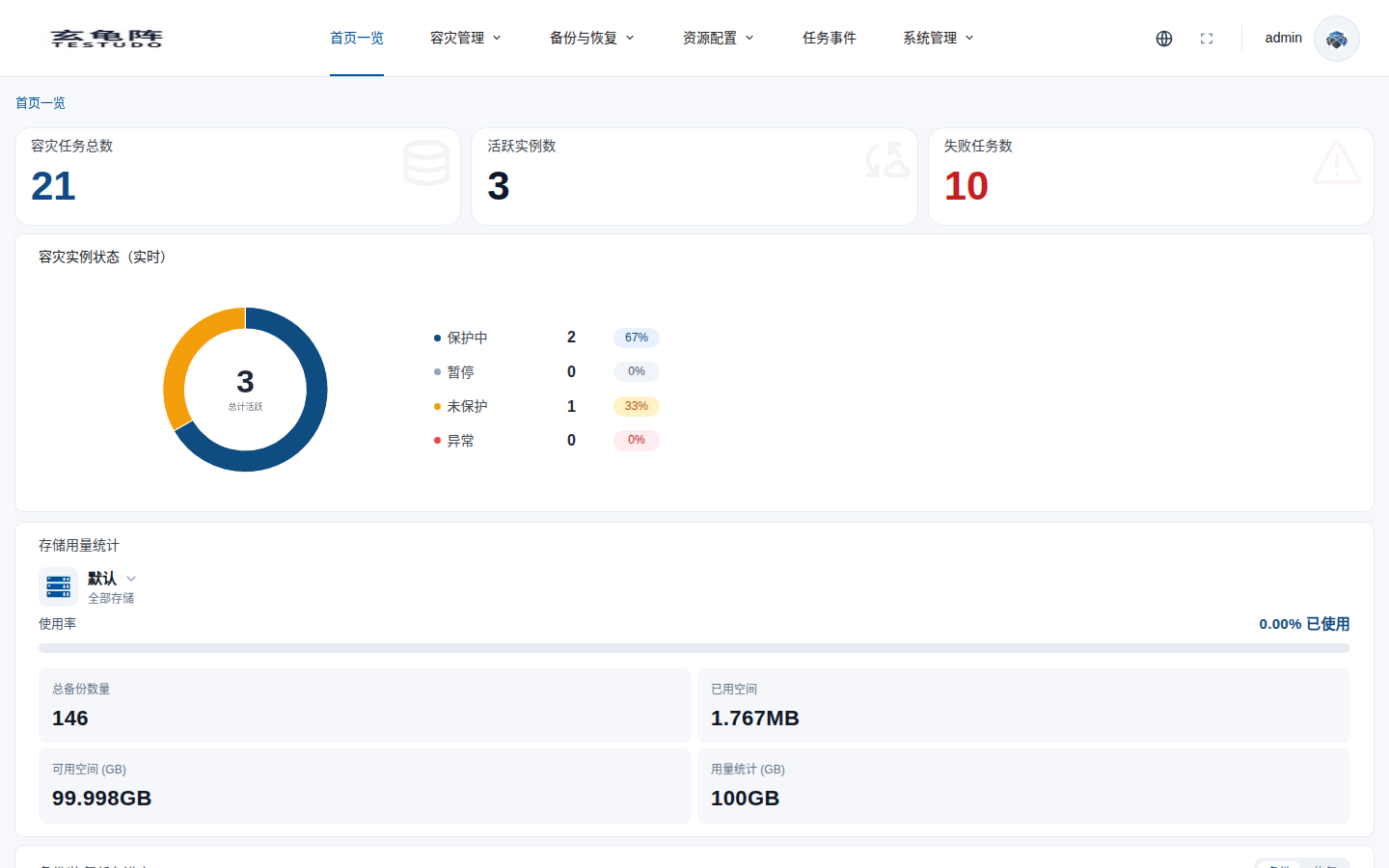
Open http://127.0.0.1:8087.
Checklist
- The operator pod is running.
- The server can list CRDs.
- The web console can reach the server.
testudo.softcdata.comresources are registered.- License, webhook, and image pull settings match the environment.