Disaster Recovery Quickstart
This path validates the disaster recovery chain: create sync policies, a basic DR configuration, and a DR instance, wait for Protected, then run an instance failover.
The screenshots in this tutorial come from a real walkthrough:
| Item | Example |
|---|---|
| Instance | docs-walkthrough-20260511 |
| DR configuration | dc01 |
| Protected namespace | dr-pvc-src-170 |
| Initial primary cluster | ip170-test-001 |
| Initial secondary cluster | cluster-ip171-1774332463 |
Prerequisites
- Source and target clusters are registered and Ready.
- Storage repository is Ready and reachable from both clusters.
- A demo namespace such as
dr-pvc-src-170exists on the source cluster. - Target cluster has required StorageClasses, IngressClasses, image pull secrets, and CRDs.
Create Policies
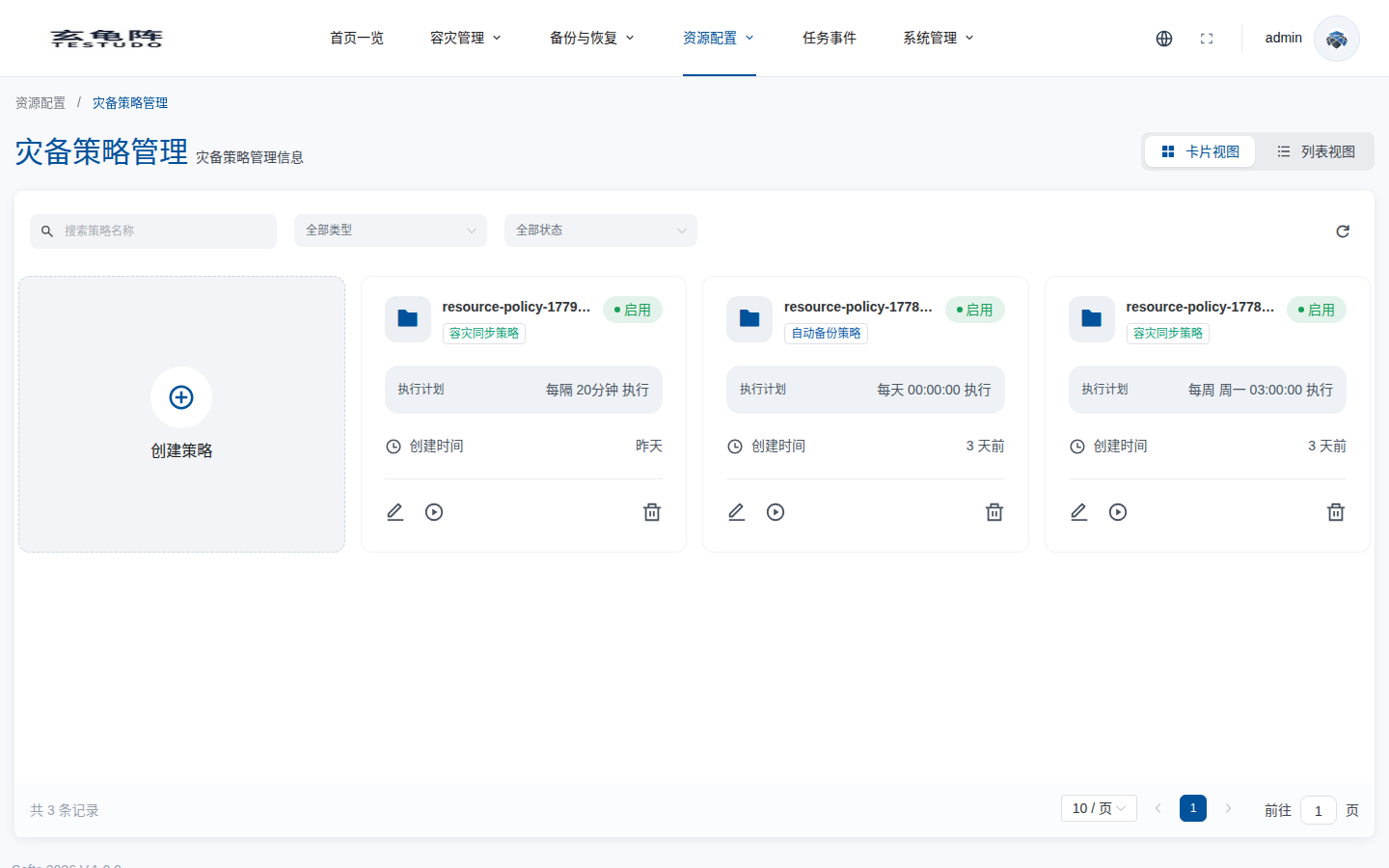
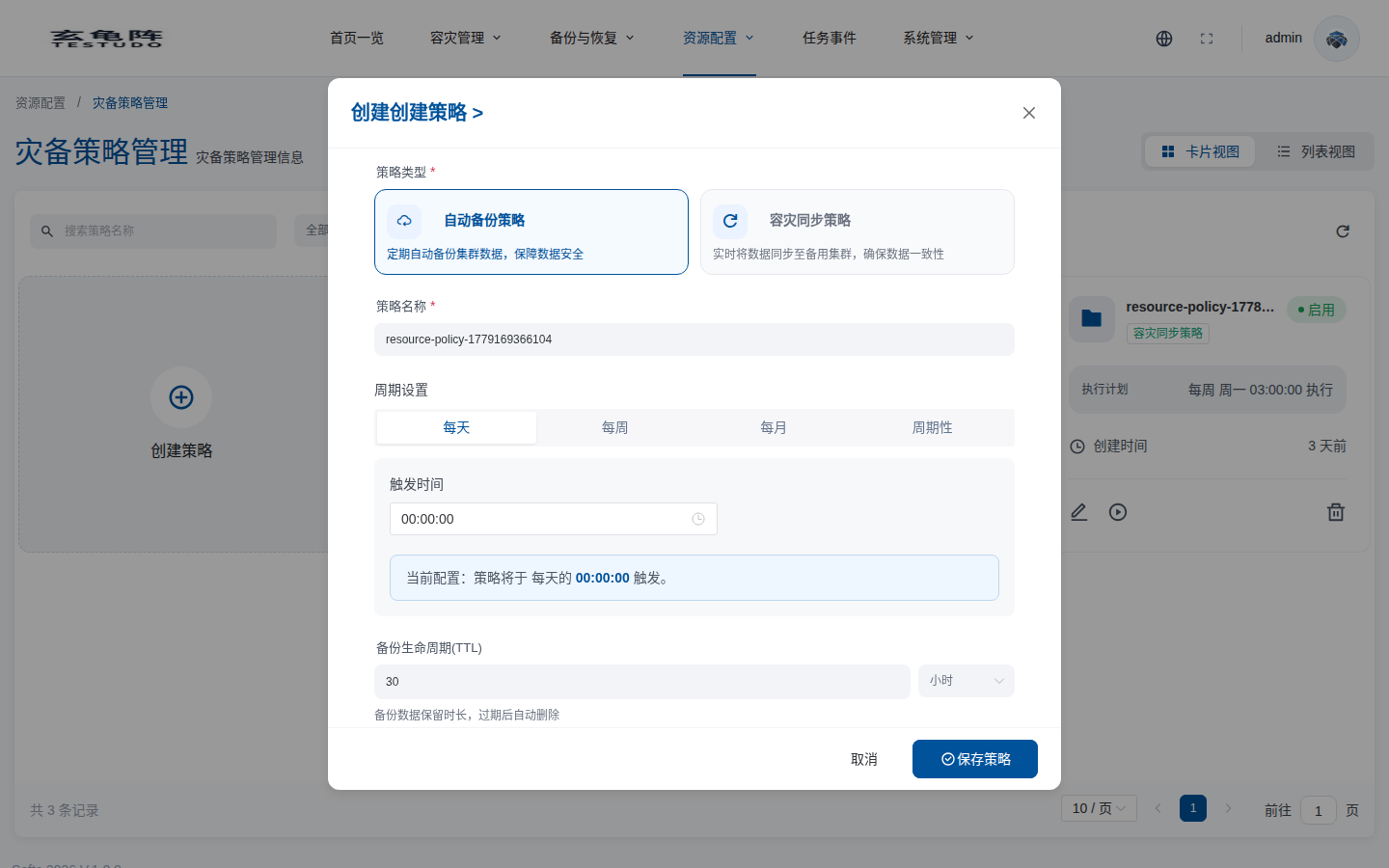
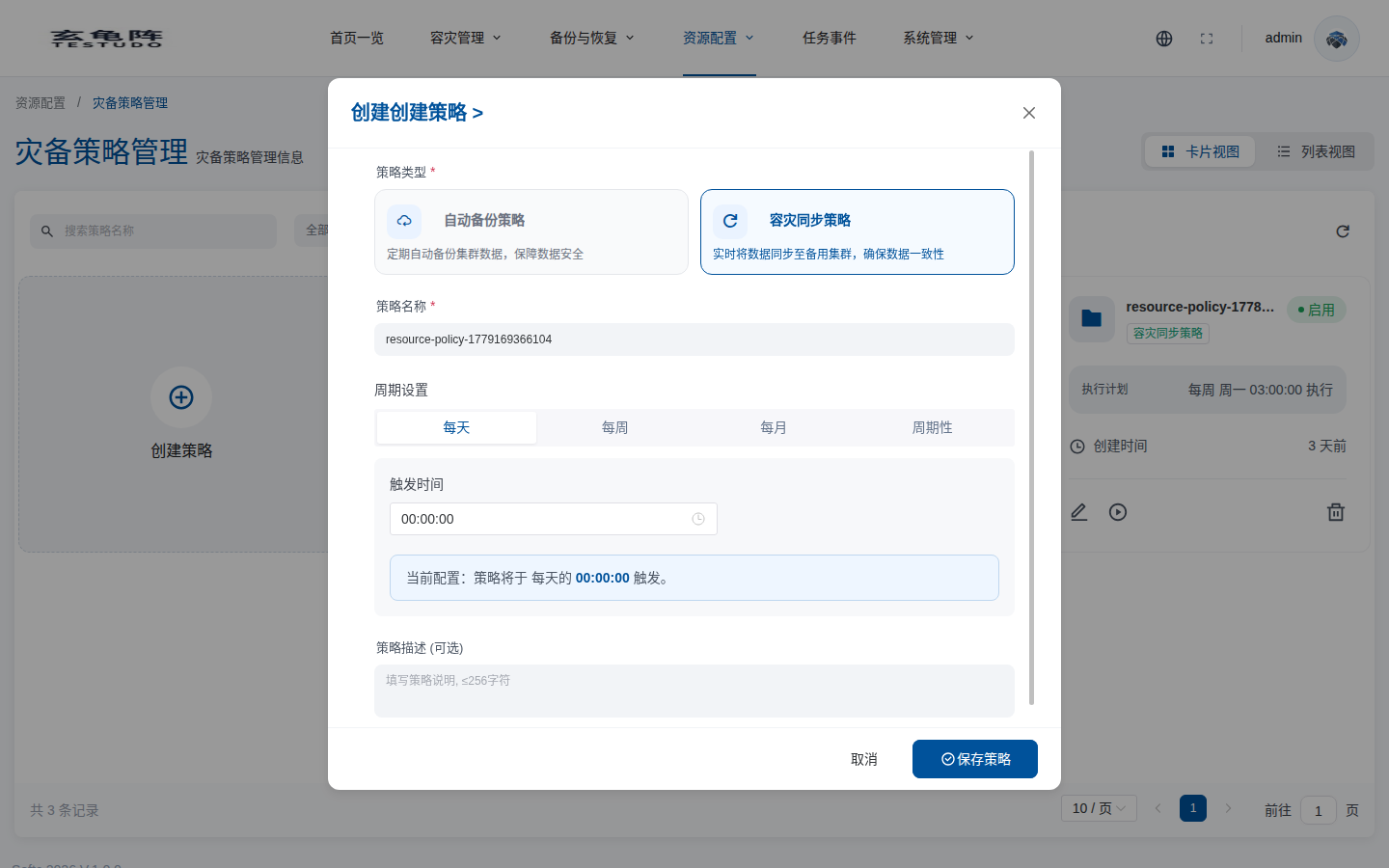
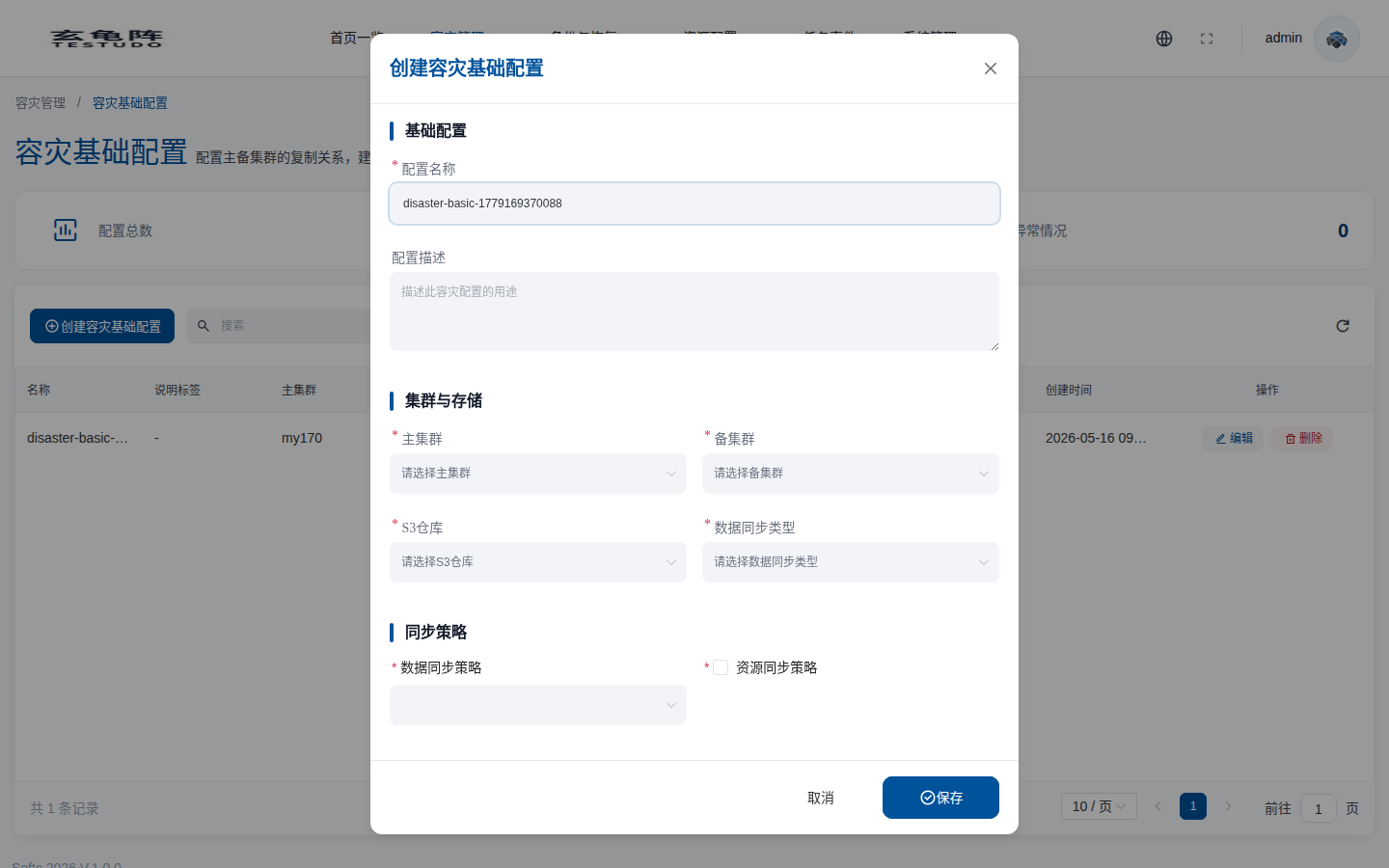
Create Basic Configuration
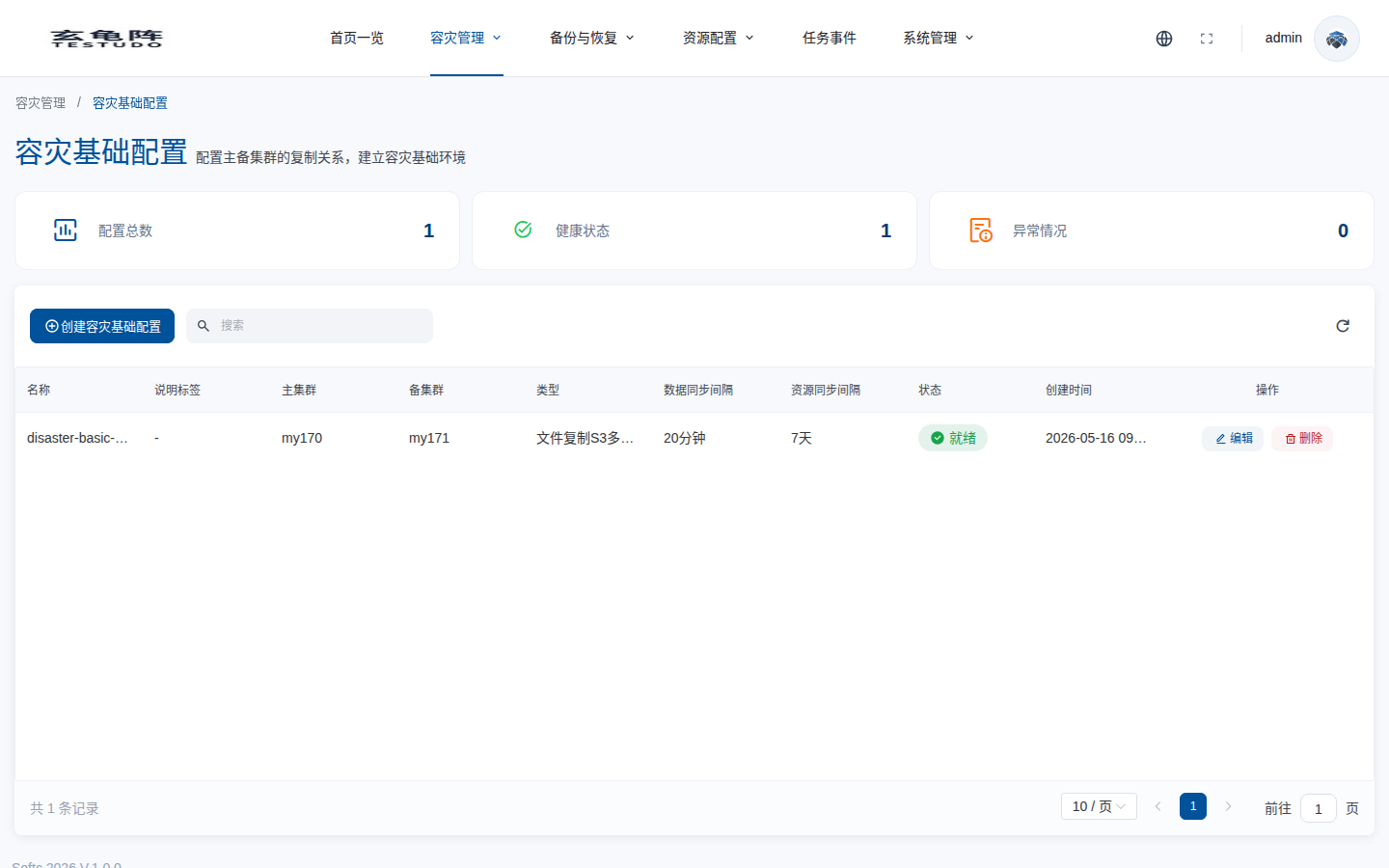
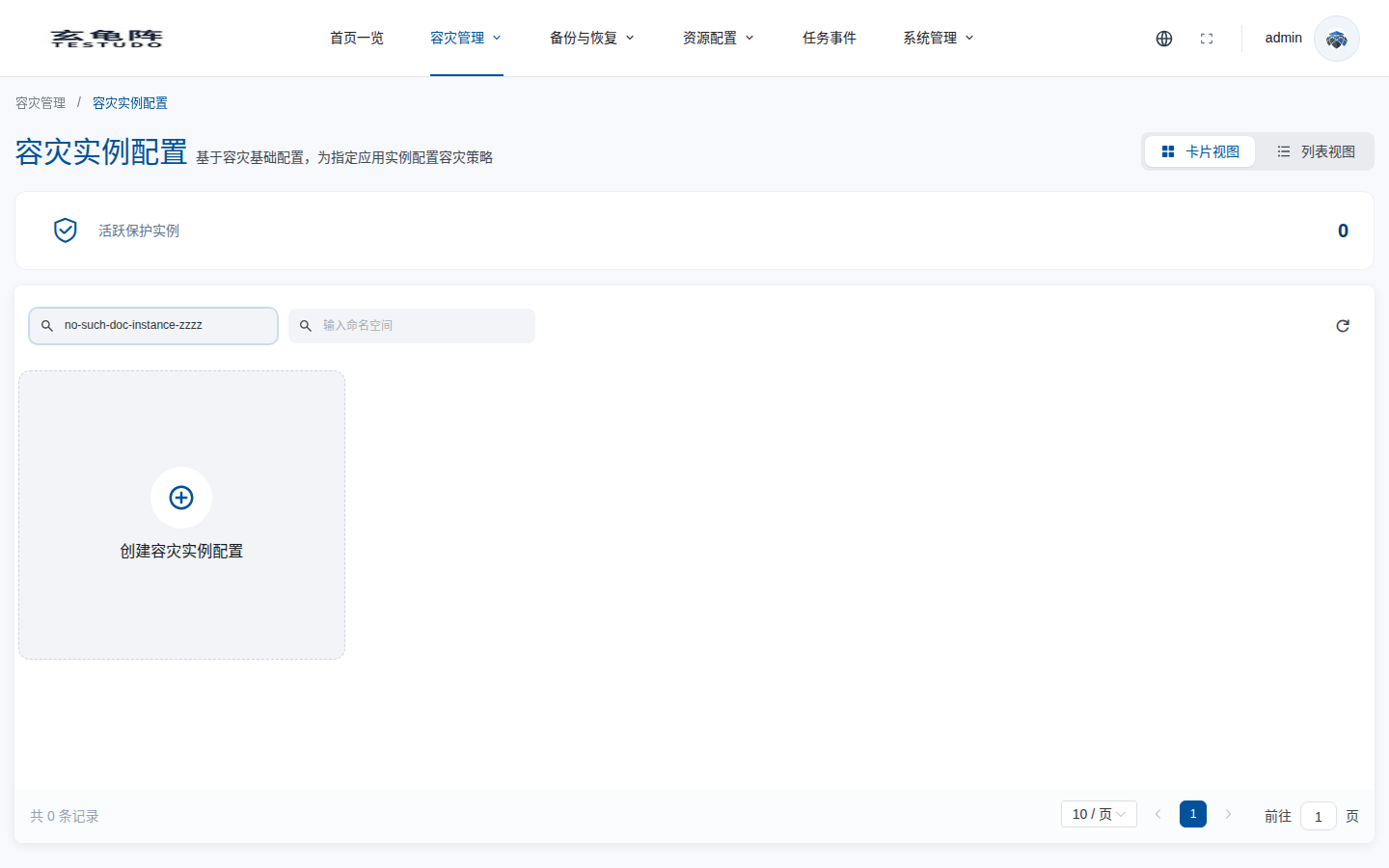
Create DR Instance
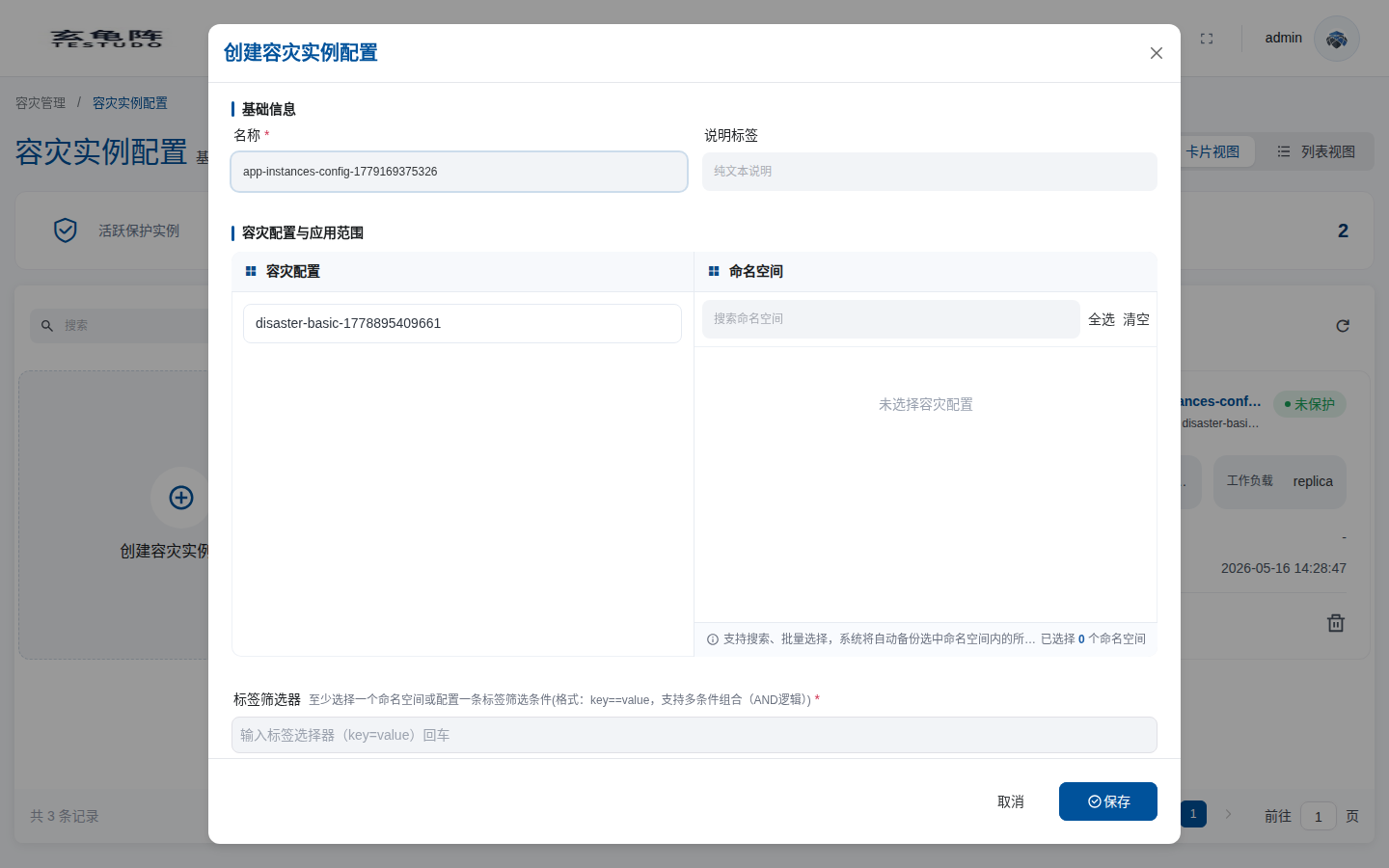
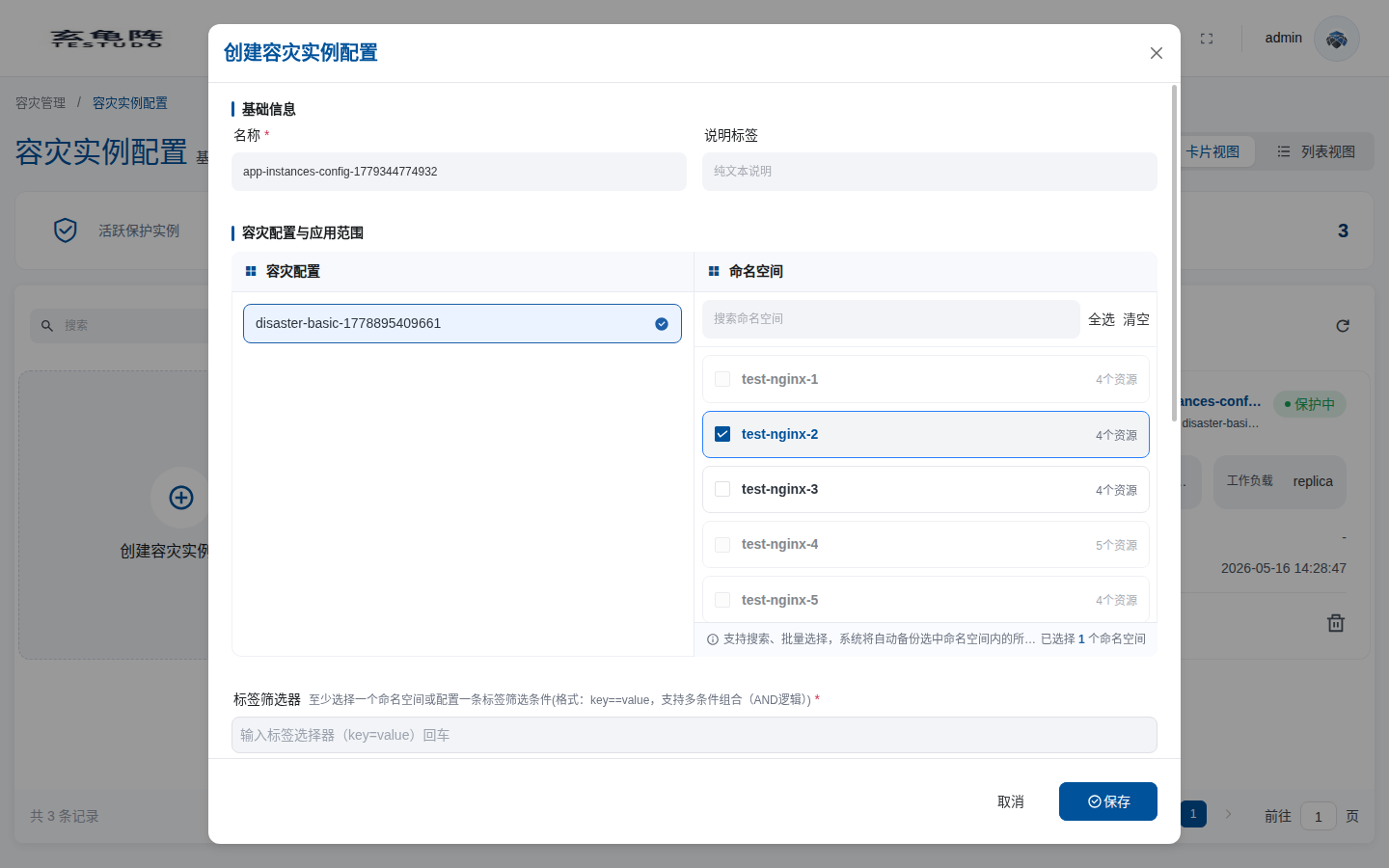
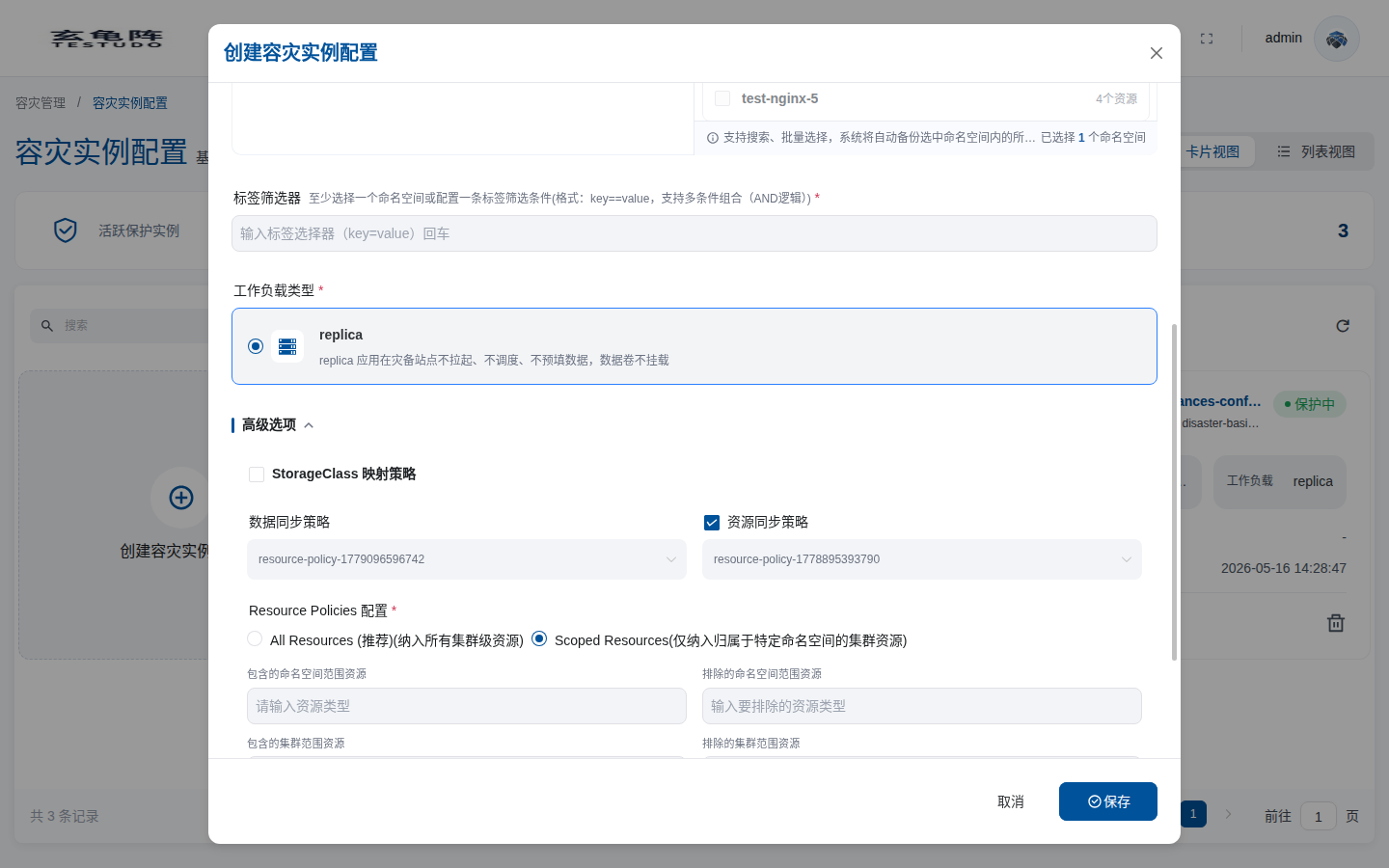
Select a business namespace and keep workload mode as replica. The screenshot selects test-nginx-2; in the walkthrough environment you can select dr-pvc-src-170. When creating a DR instance, the namespace dropdown only shows namespaces that contain a running Deployment or StatefulSet application. Namespaces that only contain bare Pods, DaemonSets, Jobs, or CronJobs are not selectable protected scopes.
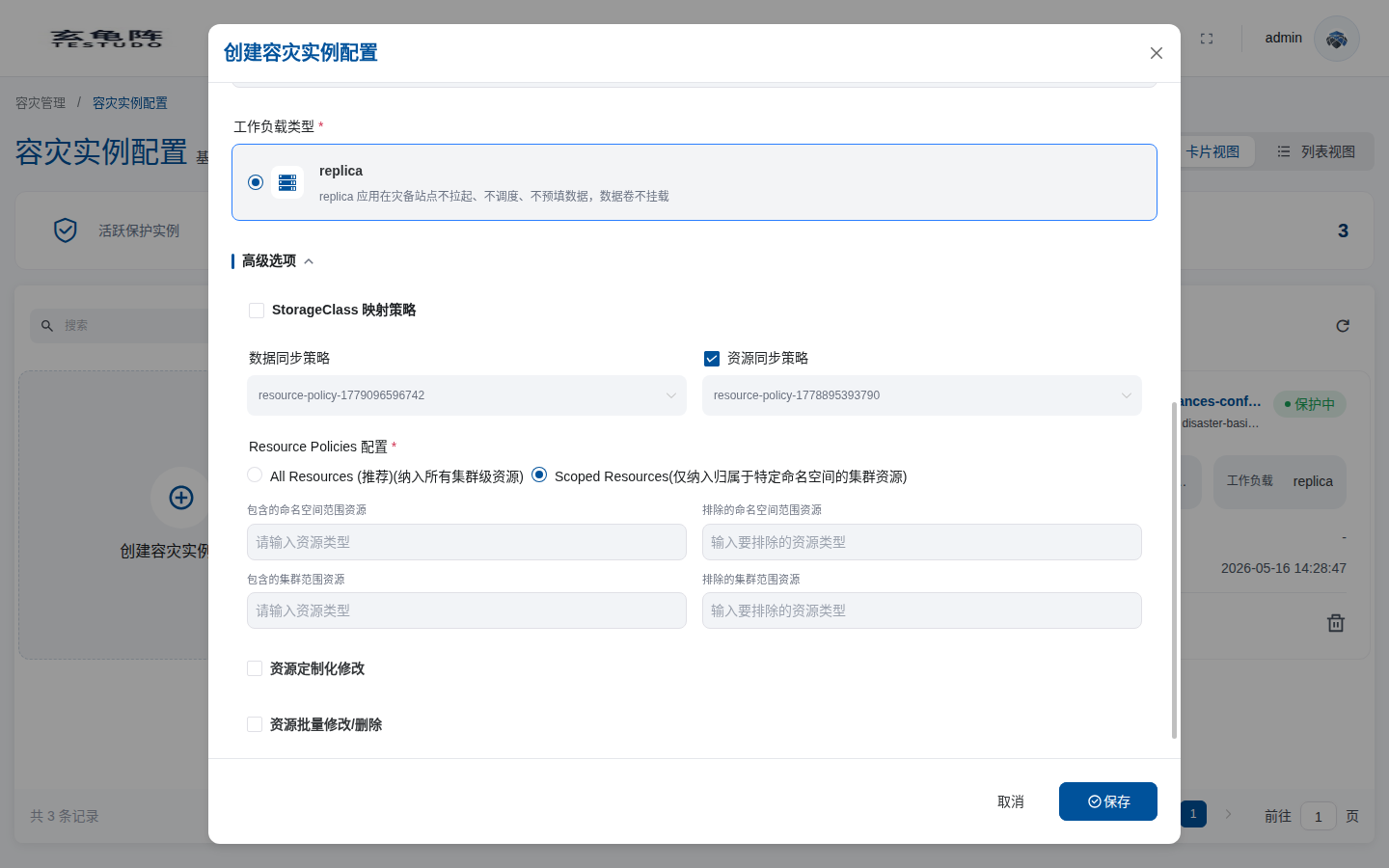
Use advanced options for StorageClass mapping, DataSync/ResourceSync policy overrides, Resource Policies, resource custom modifications, and bulk modifications/deletions. This is a scrollable form; continue down to the Resource Policies area when you need fine-grained resource scope control.
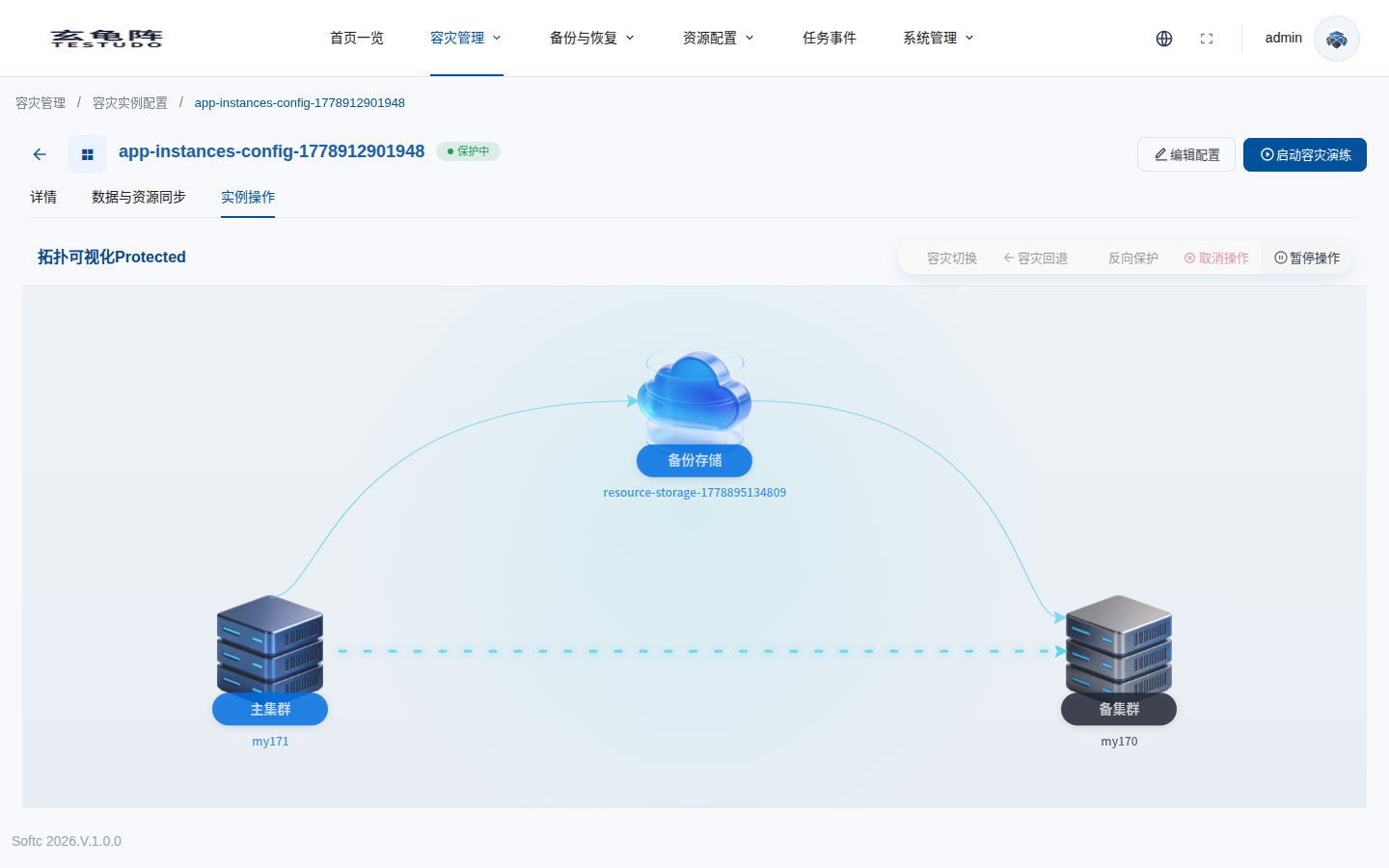
Wait until the instance becomes Protected. DataSync should have synchronized data and ResourceSync should have prepared standby resources on the target cluster.
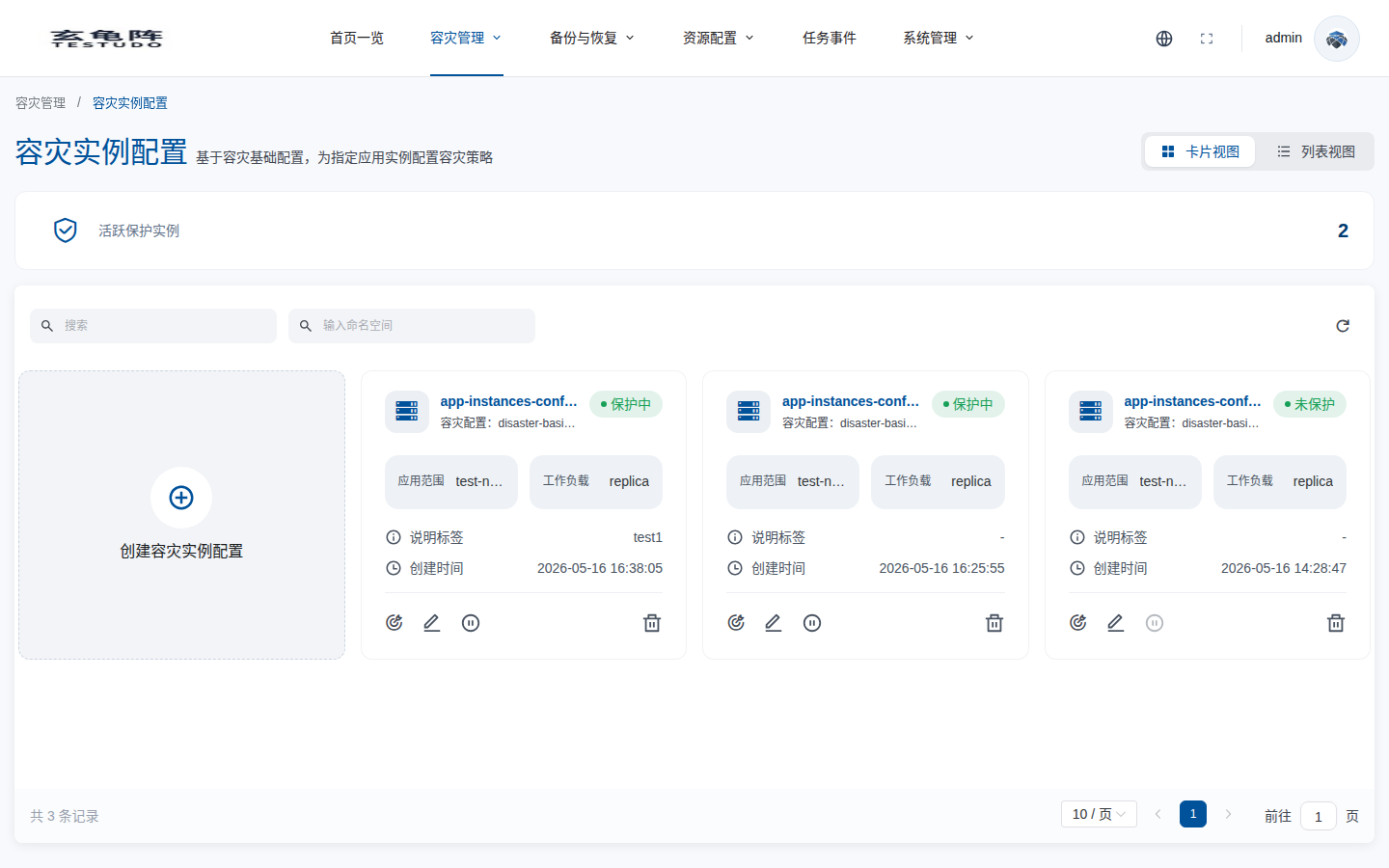
Open the detail page by clicking the instance name.
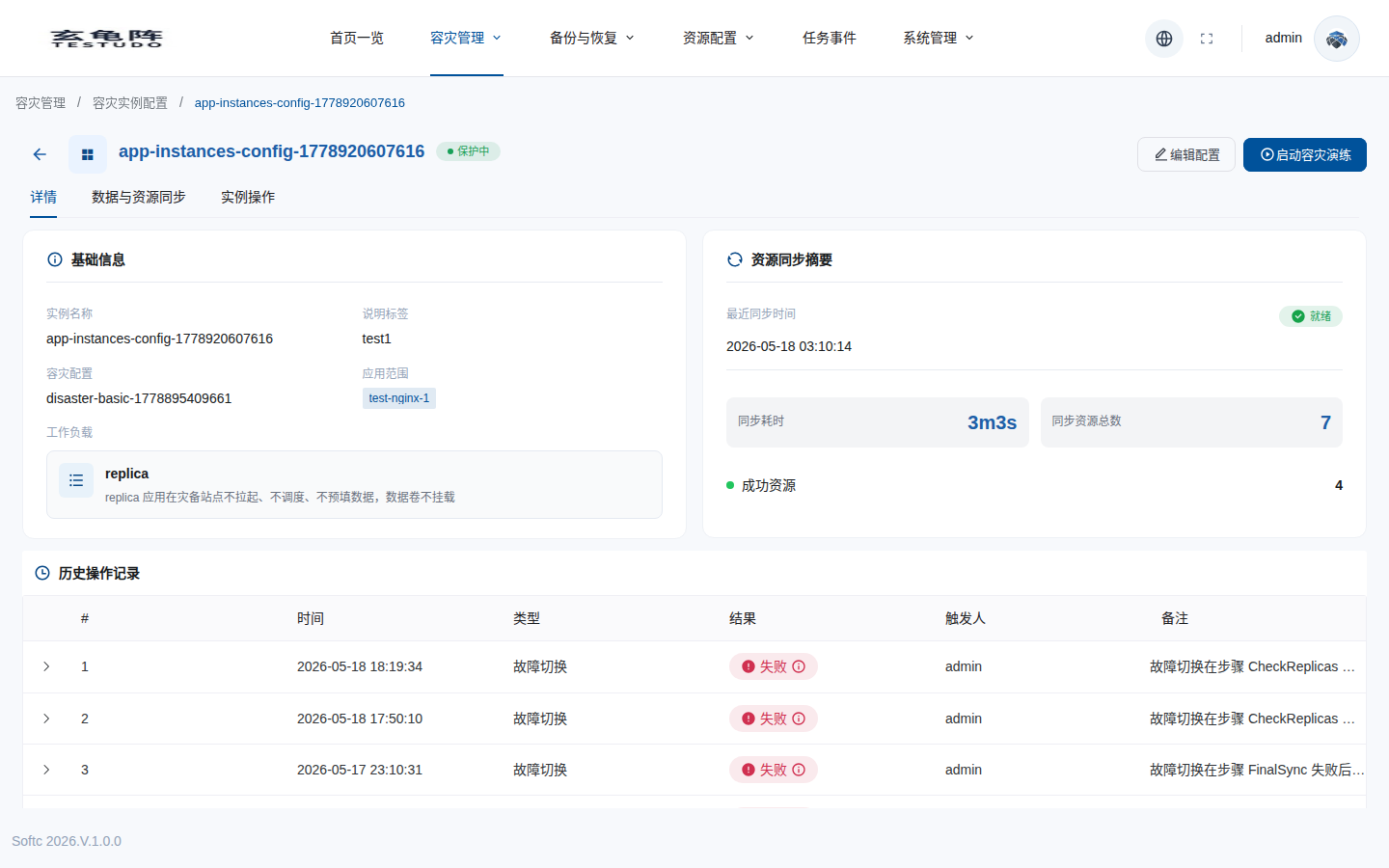
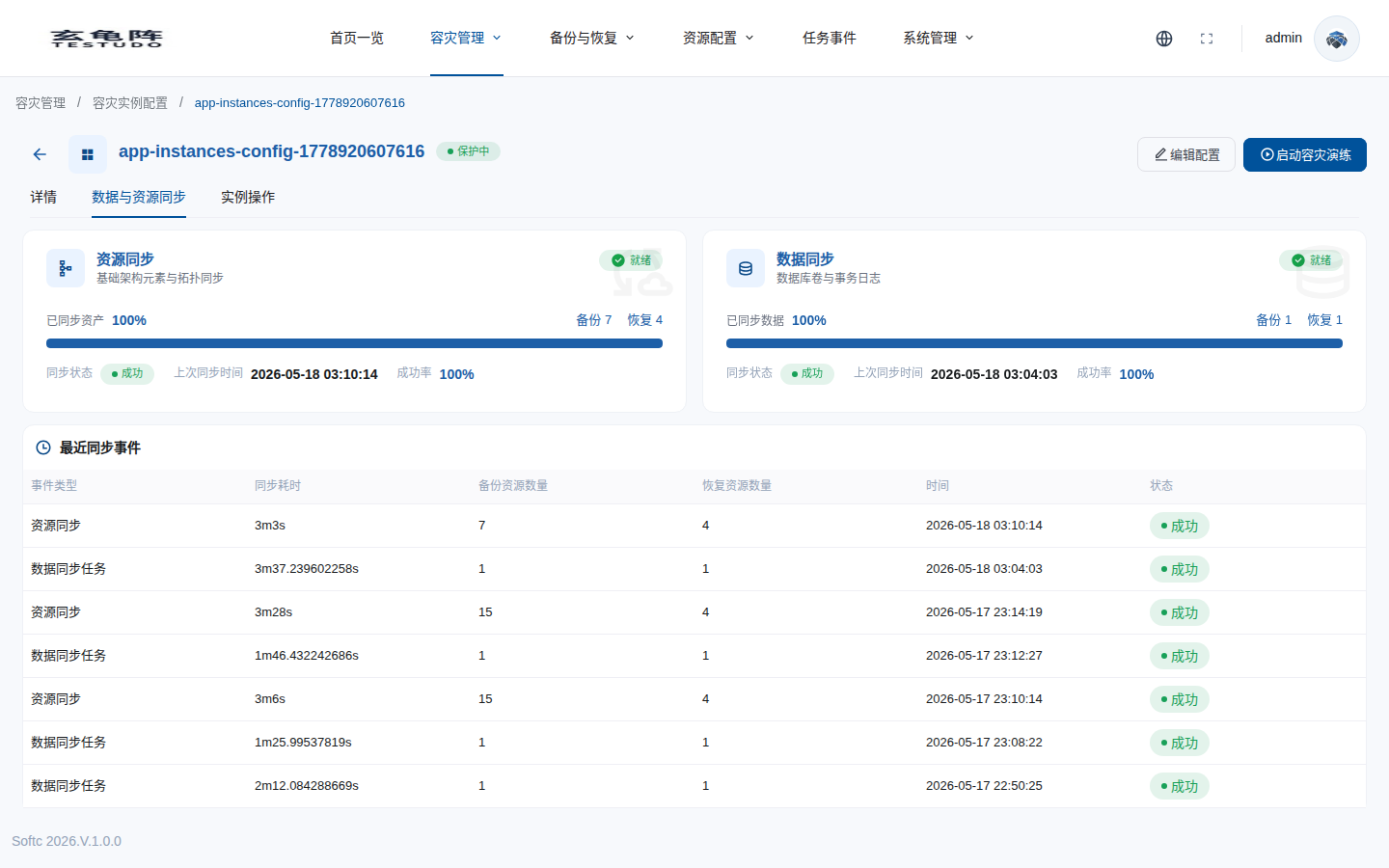
Use the sync tab to inspect DataSync and ResourceSync.
Run Failover
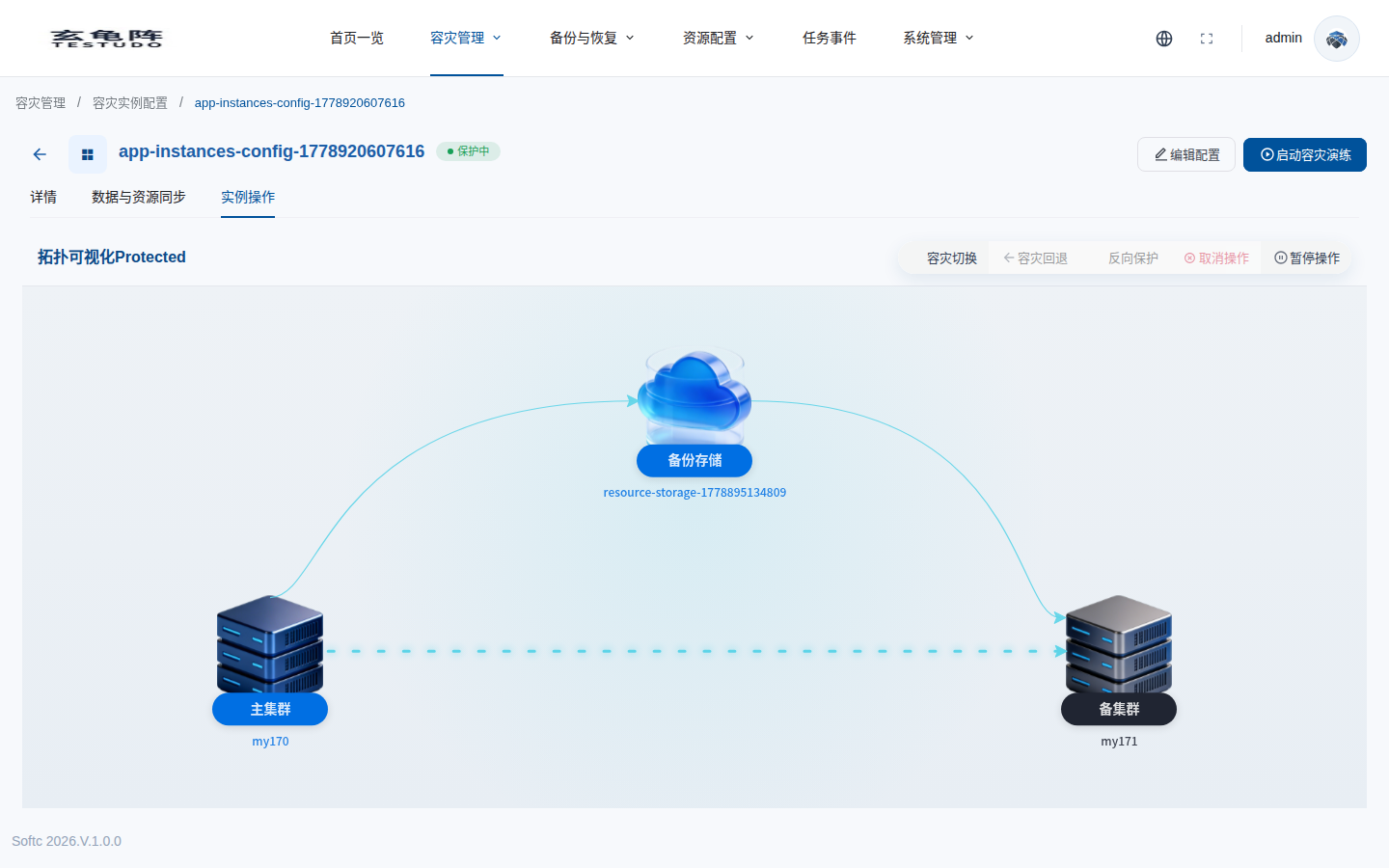
Trigger failover from the instance action. The operator runs precheck, pause schedules, source scale-down, final sync, target scale-up, replica check, role switch, and schedule resume.
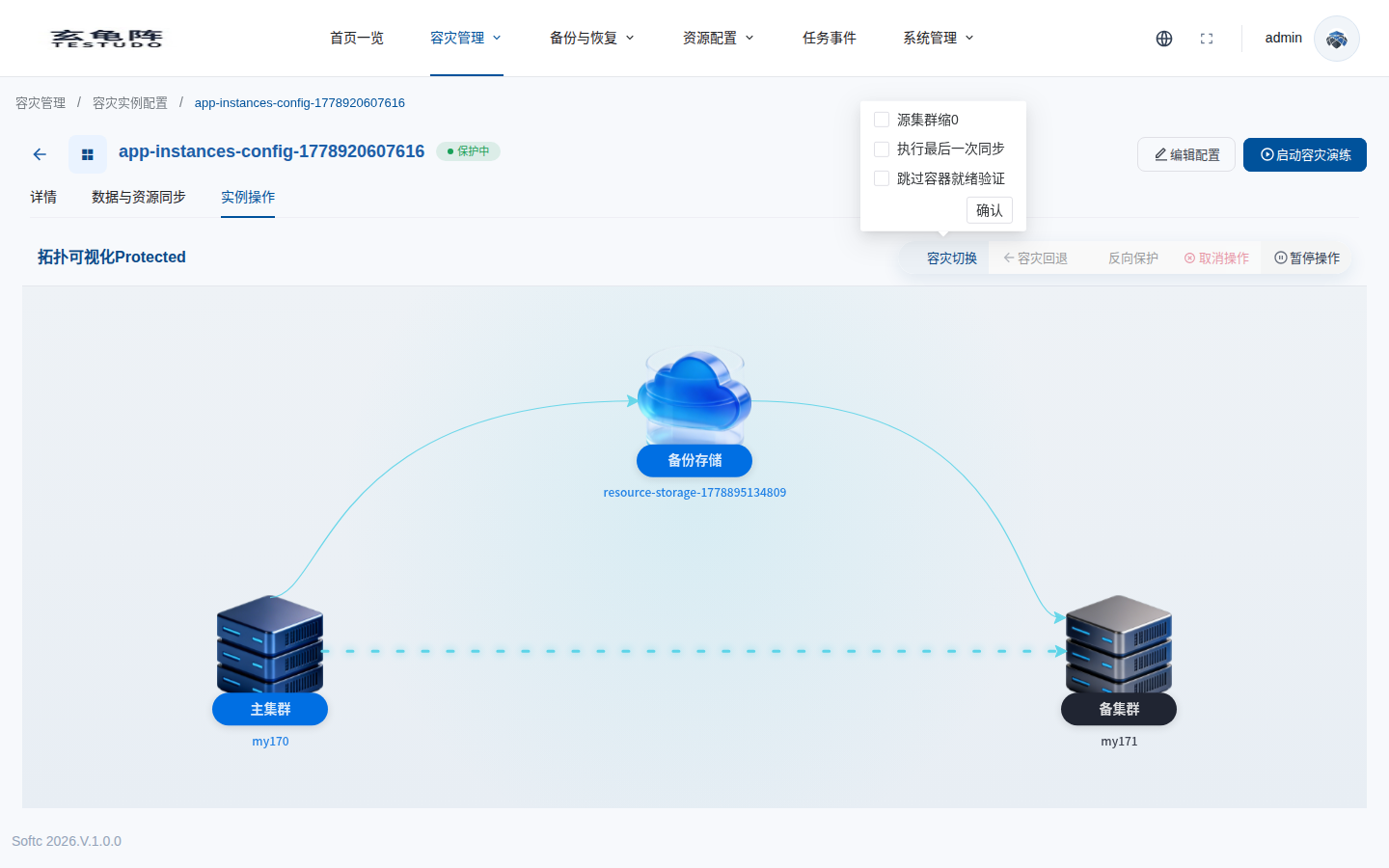
The confirmation popover exposes source scale-down, final sync, and pod-ready validation options.
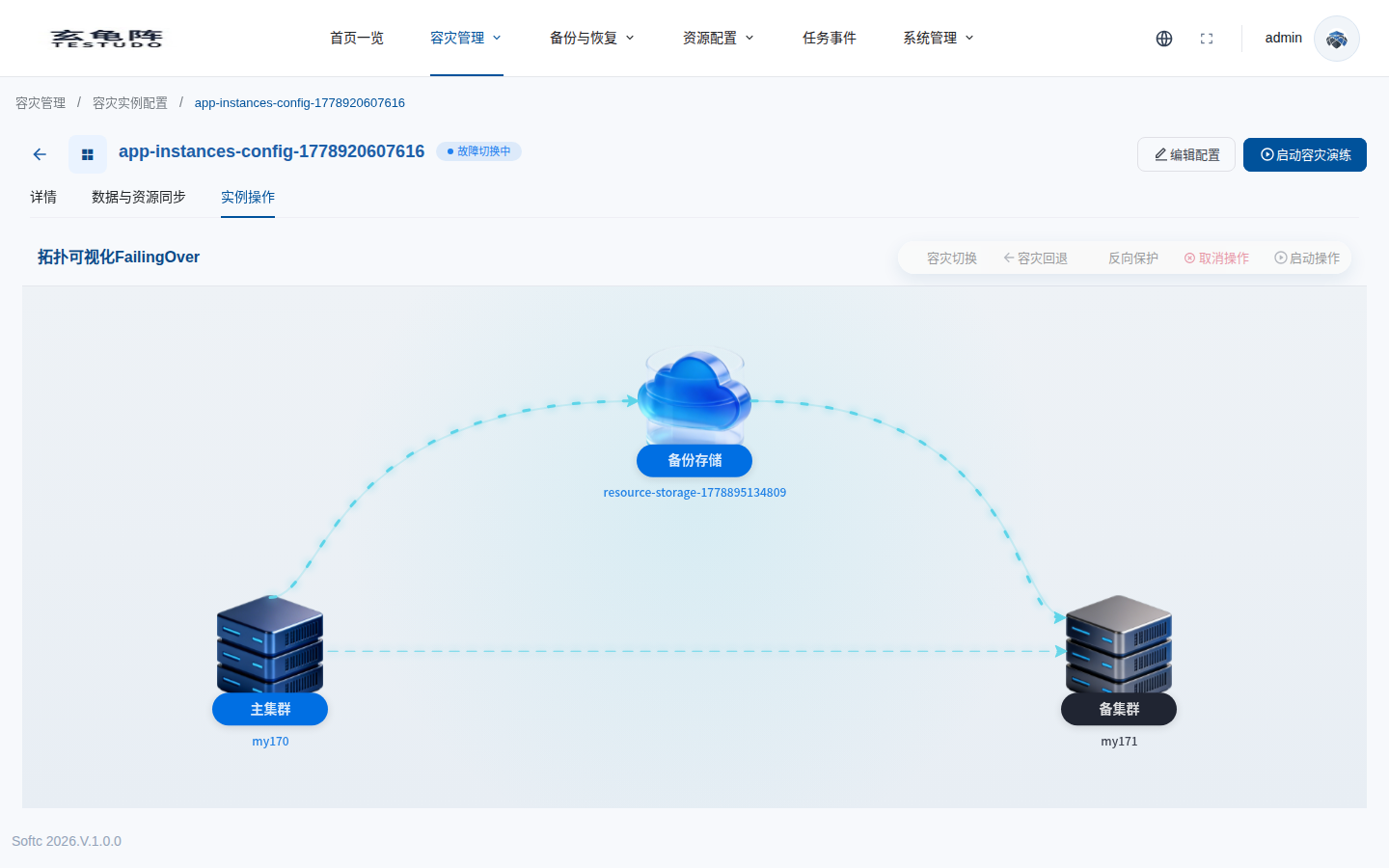
During execution, the instance enters failover-in-progress state.
After a successful quick failover, the instance becomes Active; the current UI shows this as unprotected.
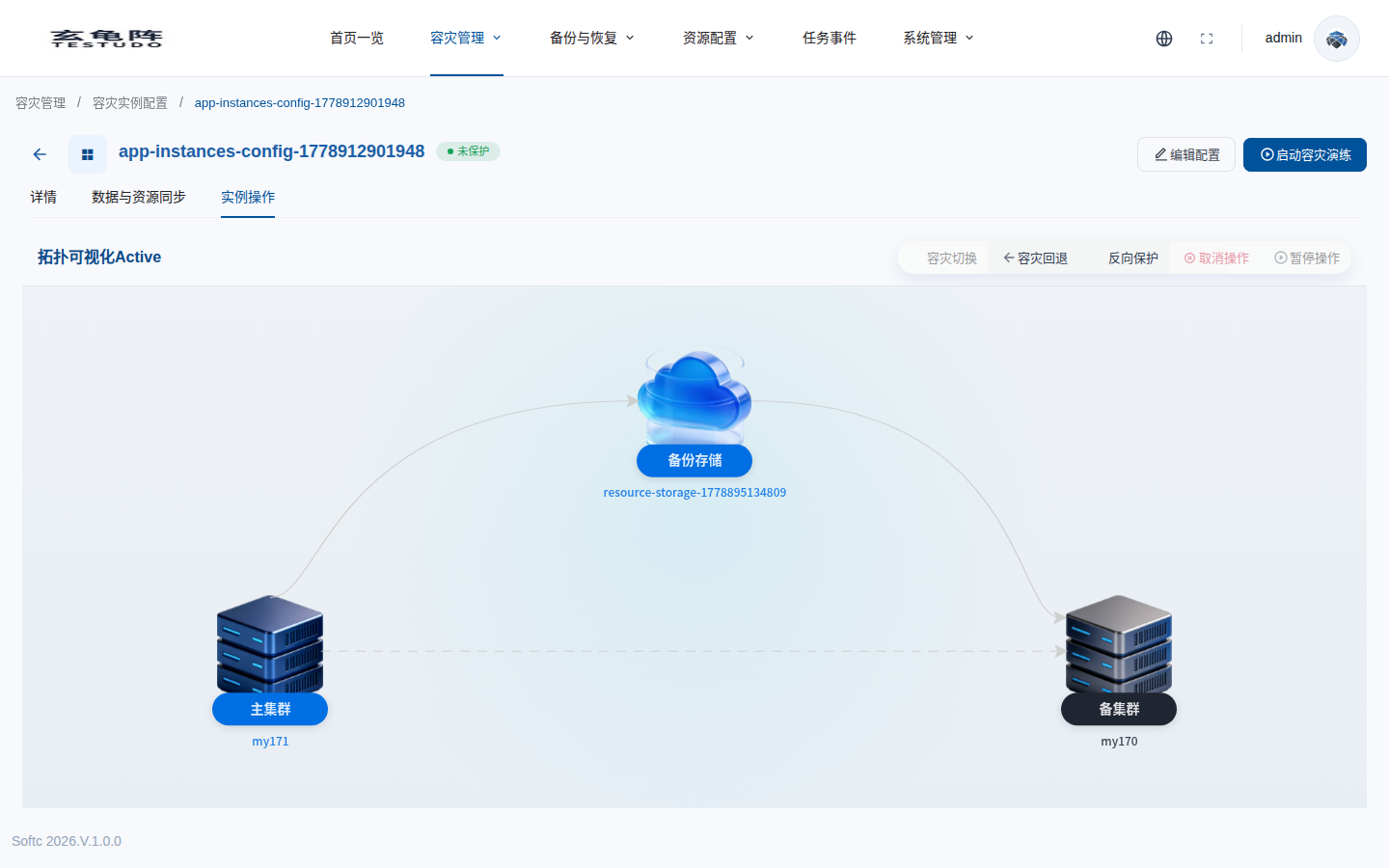
Run reverse protection to return to Protected in the new direction.
Verify
kubectl -n disaster-system get disasterinstance docs-walkthrough-20260511 -o yaml
kubectl -n disaster-system get disasteroperation -l testudo.softcdata.com/instance=docs-walkthrough-20260511
kubectl --context <target-cluster> -n dr-pvc-src-170 get deploy,sts,svc,pvc