View Backup Status And History
Backup status combines the AppBackup status, the underlying Velero Backup status, and platform events/history.
Console
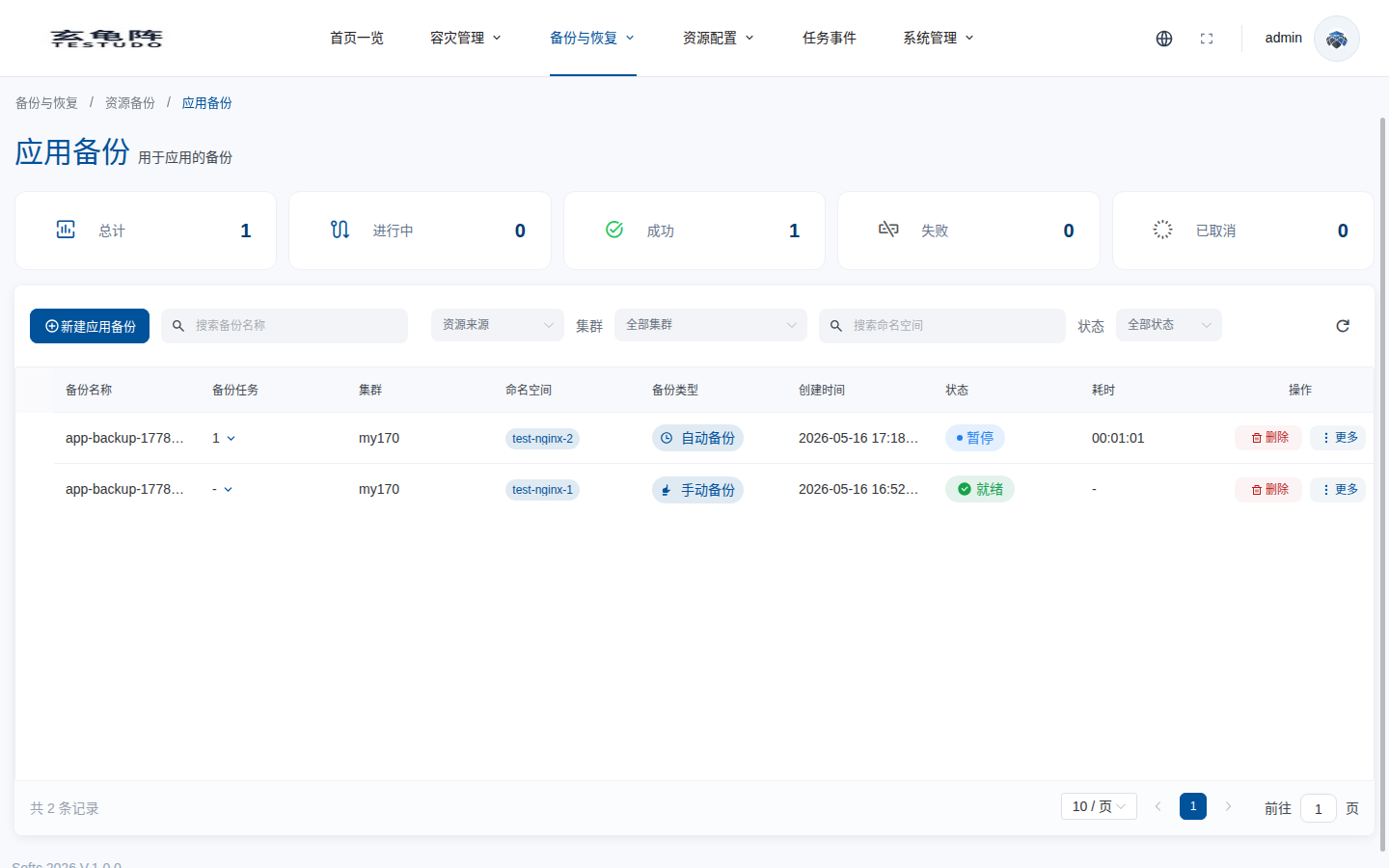
Open Backup And Restore / Application Backup and check status, last run time, cluster, repository, and recent error messages.
API
GET /apis/appbackups.testudo.softcdata.com/v1/appbackups/:name/history
Kubernetes
kubectl get appbackup <name> -o yaml
kubectl --context prod-a -n velero describe backup <velero-backup-name>
kubectl --context prod-a -n velero logs deploy/velero --tail=200
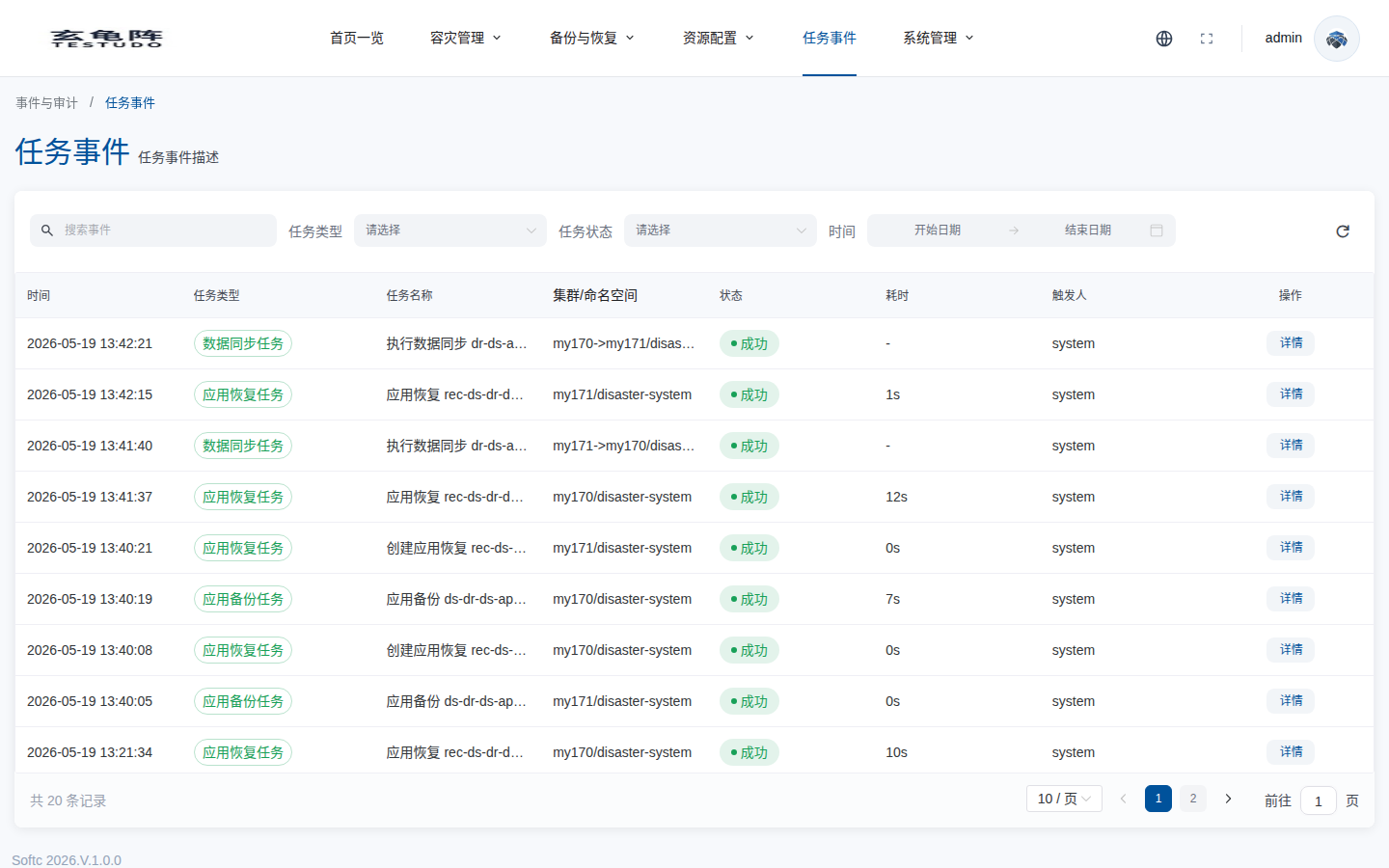
Task Events
Use task events to identify the failing stage and reason.
Healthy Backup Criteria
AppBackupis successful.- Velero Backup phase is
Completed. - Objects exist in storage.
- History records the run.
- No unresolved task events remain.