Register Kubernetes Clusters
A Cluster resource describes a Kubernetes cluster managed by Testudo. Backup and restore need at least one cluster. Cross-cluster restore and disaster recovery need a source and a target cluster.
Before Registration
Prepare kubeconfig or token-based credentials with access to:
- Kubernetes API.
- Namespaces, workloads, PVCs, StorageClasses, and IngressClasses.
- Velero Backup, Restore, Schedule, and BackupStorageLocation resources.
- Events and status needed during restore and sync.
Console Steps
Open Resource Configuration / Cluster Configuration.
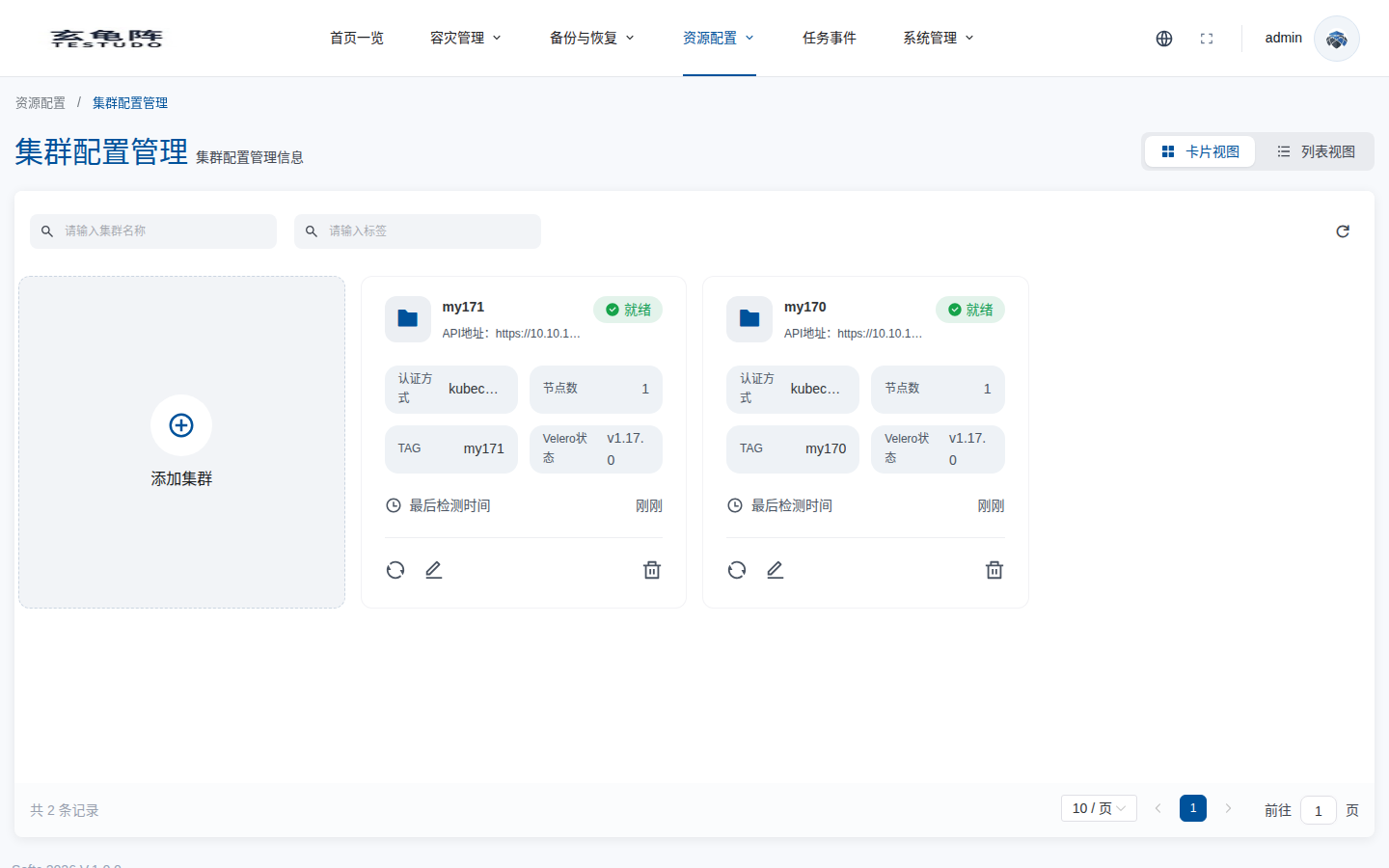
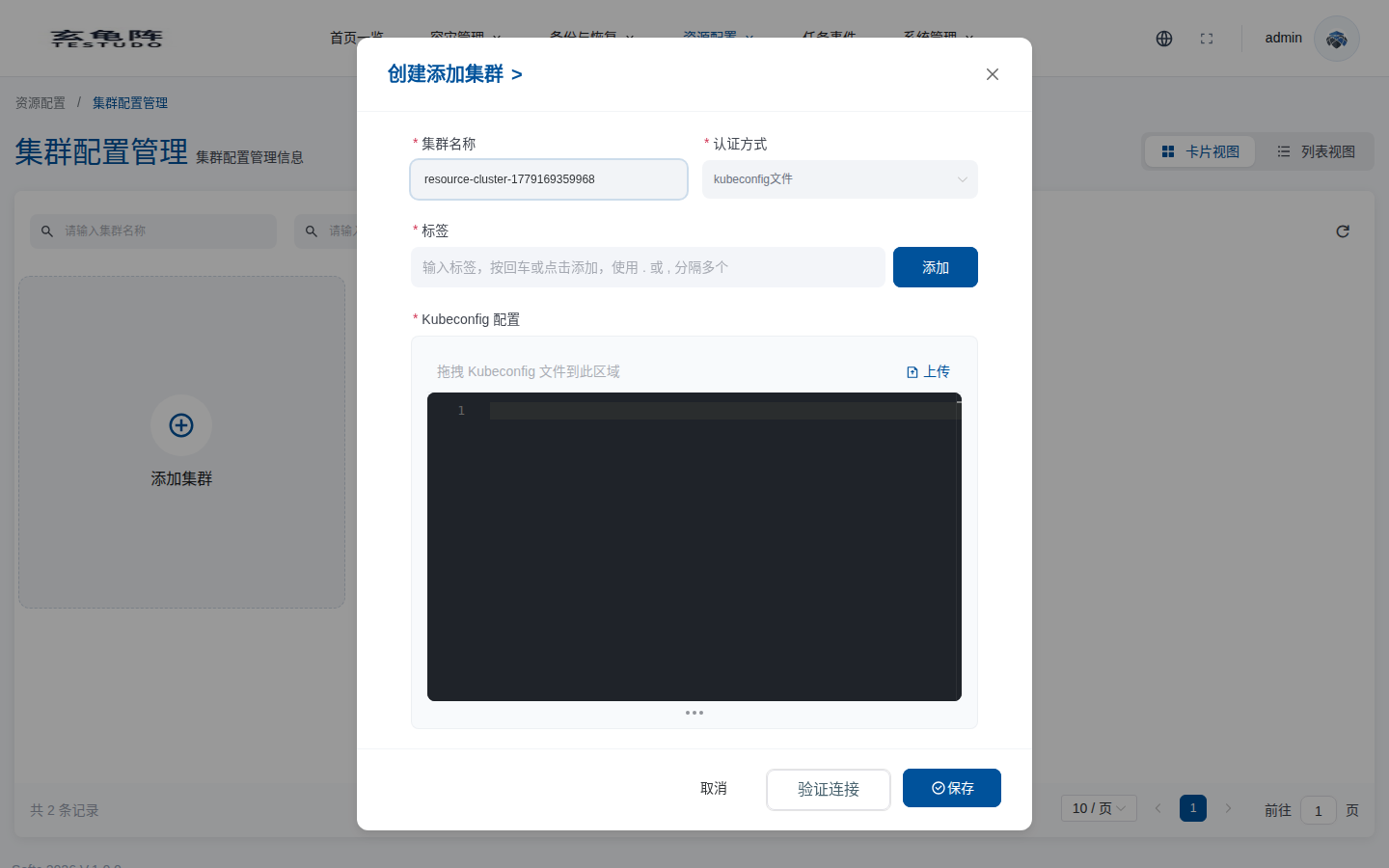
Click Add Cluster, fill the cluster name, authentication method, labels, and credentials. Validate the connection before saving.
API
GET  /apis/cluster.testudo.softcdata.com/v1/clusters
POST /apis/cluster.testudo.softcdata.com/v1/clusters
POST /apis/cluster.testudo.softcdata.com/v1/clusters/kubeconfig/validate
GET  /apis/cluster.testudo.softcdata.com/v1/clusters/:name/protected-namespaces
GET  /apis/cluster.testudo.softcdata.com/v1/clusters/:name/restore-classes
Verify
- Cluster status is Ready.
- Namespace refresh works.
- StorageClass and IngressClass lists load.
- Velero resources are accessible.
- Task events do not show authentication or network errors.