Configure S3 Or MinIO Storage
StorageRepository defines the object storage used by Velero backup data. Backup, restore, and disaster recovery sync all depend on it.
Requirements
- S3-compatible API.
- Source and target clusters can reach the endpoint.
- Bucket exists or can be created.
- Access credentials have required permissions.
- Custom CA is trusted if used.
- Addressing style matches the provider, especially for MinIO.
Console Steps
Open Resource Configuration / Repository Configuration.
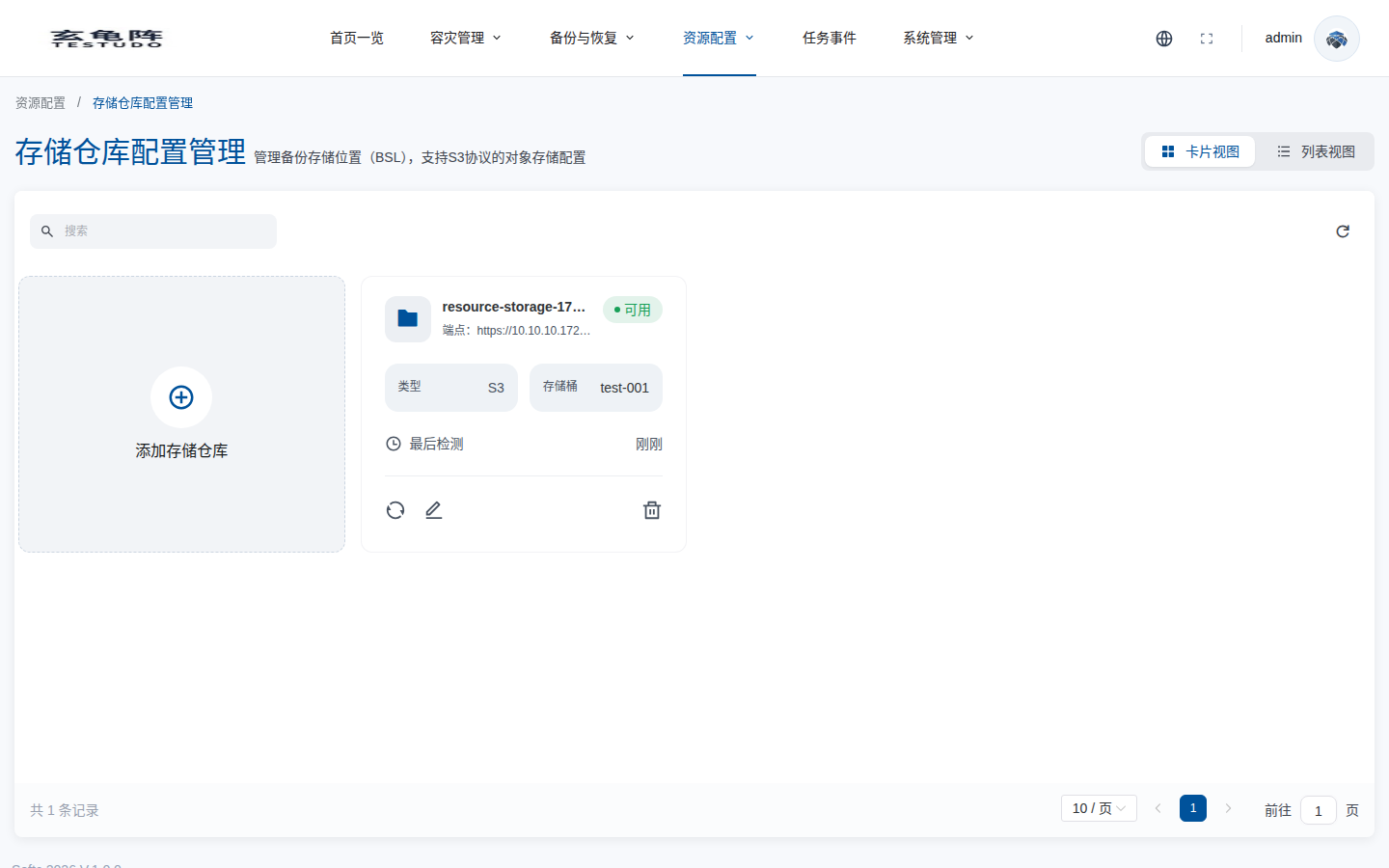
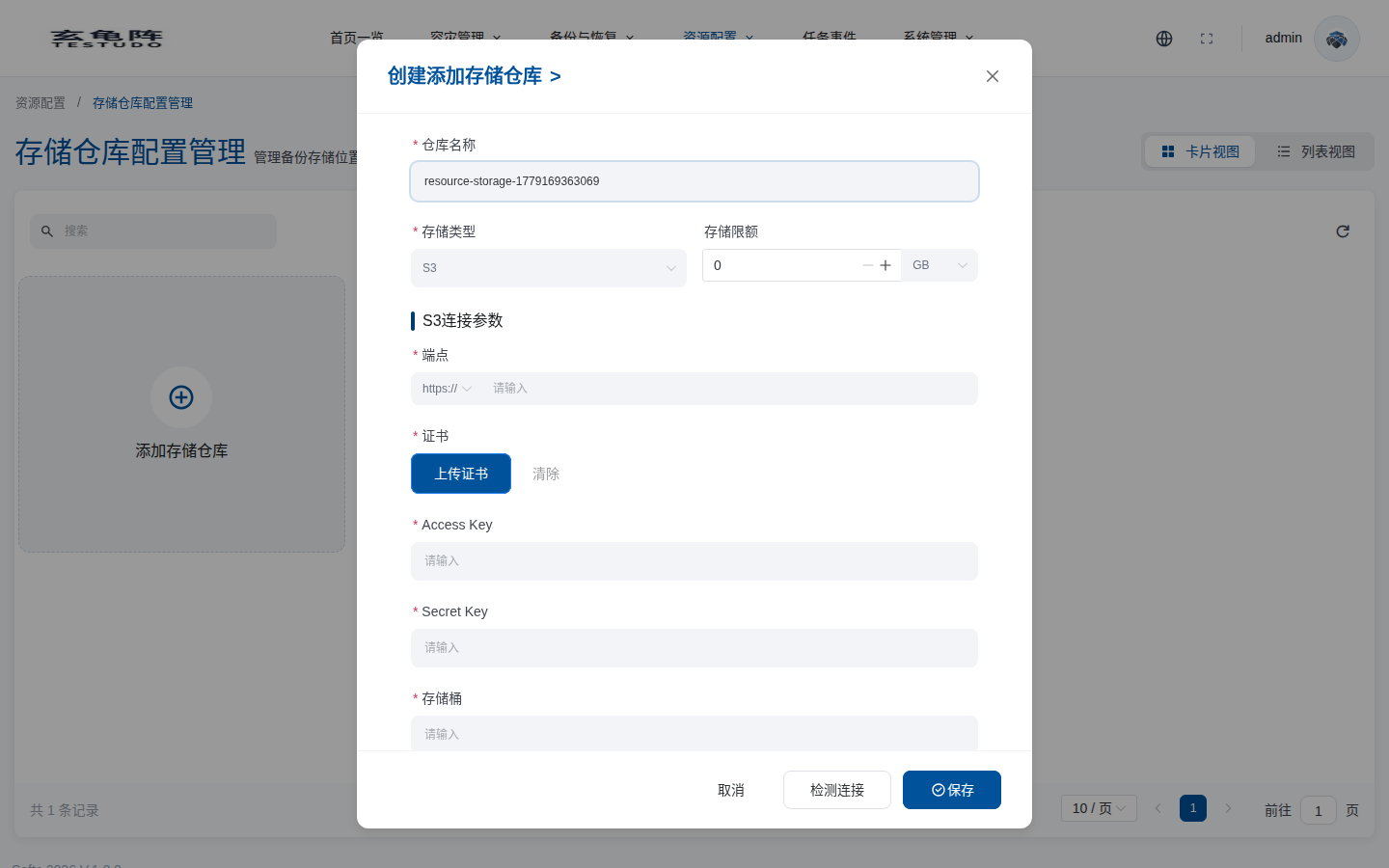
Click Add Repository, fill endpoint, bucket, region, access key, secret key, addressing style, CA, and quota settings. Validate connectivity before saving.
API
GET  /apis/storage.testudo.softcdata.com/v1/storages
POST /apis/storage.testudo.softcdata.com/v1/storages
POST /apis/storage.testudo.softcdata.com/v1/storages/validate/connection
POST /apis/storage.testudo.softcdata.com/v1/storages/connectivity/validate
Verify
- Repository status is Ready.
- Source cluster can write backup objects.
- Target cluster can read backup objects.
- No
BackupStorageLocation unavailableevents appear.